A visitor arrives for a meeting while employees move between shared spaces. Screens at reception, corridors and meeting rooms carry one coherent set of directions and updates.
The settingAn illustrative journey through the places where useful information is needed.
THE OPERATIONAL CHALLENGE
Different moments. One reliable message.
Offices, meeting areas and production spaces need different information, but a visitor should never have to guess which message is current.
A printed sign cannot reflect a moved meeting, a newly available room or an update for another building.
01Reception
Meeting details reach the right place.
02Wayfinding
A clear first instruction.
03Room booking
Directions follow the destination.
AN ANONYMISED CORPORATE STORY
Follow a visitor through the workplace.
Choose a step to see the setting, the communication need and the screen experience that supports it.
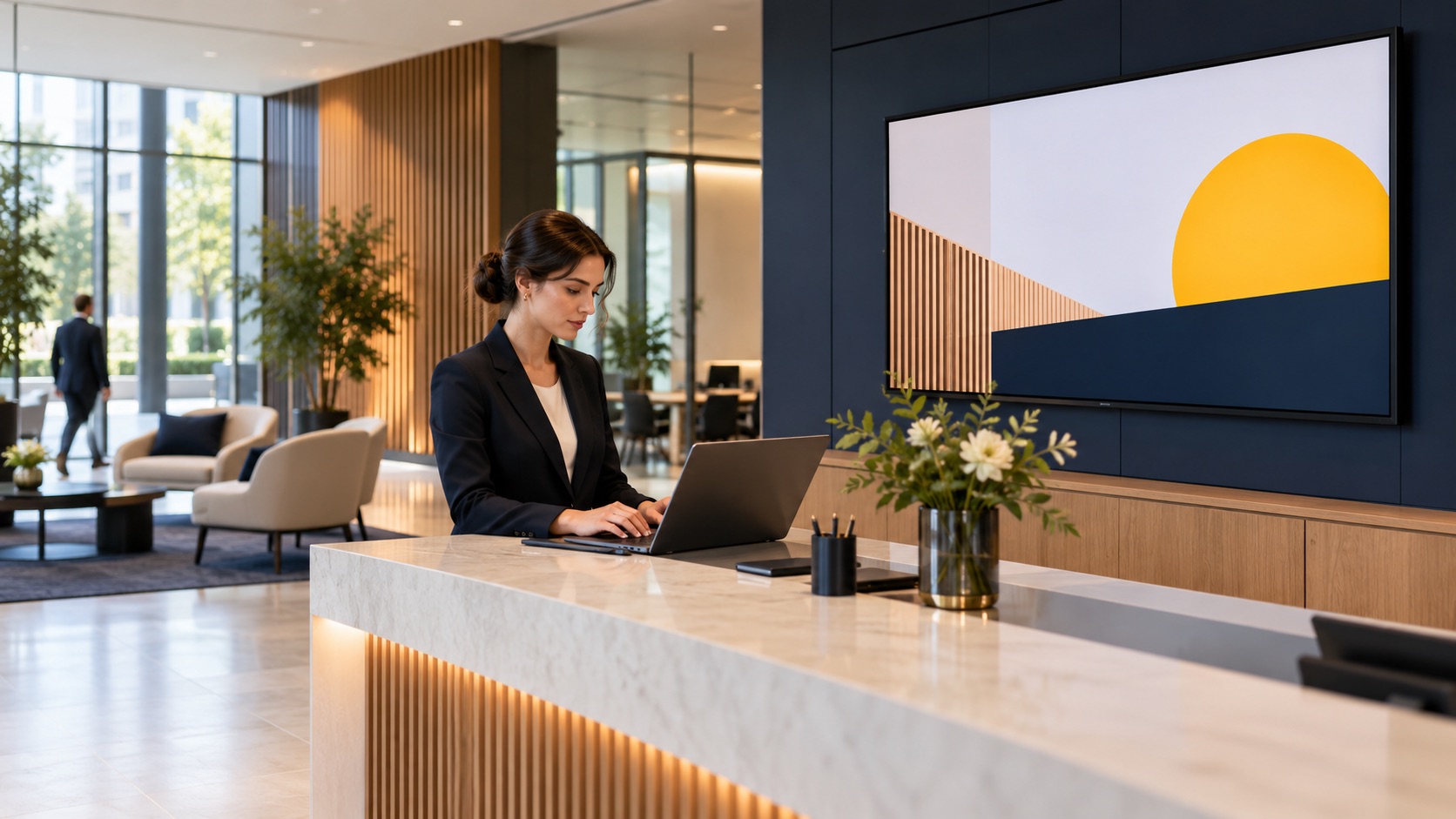
BEFORE ARRIVAL / PREPARE THE VISIT
Meeting details reach the right place.
The host schedules a meeting and a visitor is expected at the main entrance.
An approved welcome and a location-specific route can be prepared without editing every screen by hand.
The screen content follows this location and moment.
Publishing rules remain with the responsible team.
What changes: The host and reception share one visit plan.
Illustrative scene · prepare the visit
BEFORE ARRIVALRelevant here
INPUTApproved messageApproved
CONTEXTCalendar and room dataSelected
OUTPUTPrepare the visitOn screen
One coordinated flow → The right moment
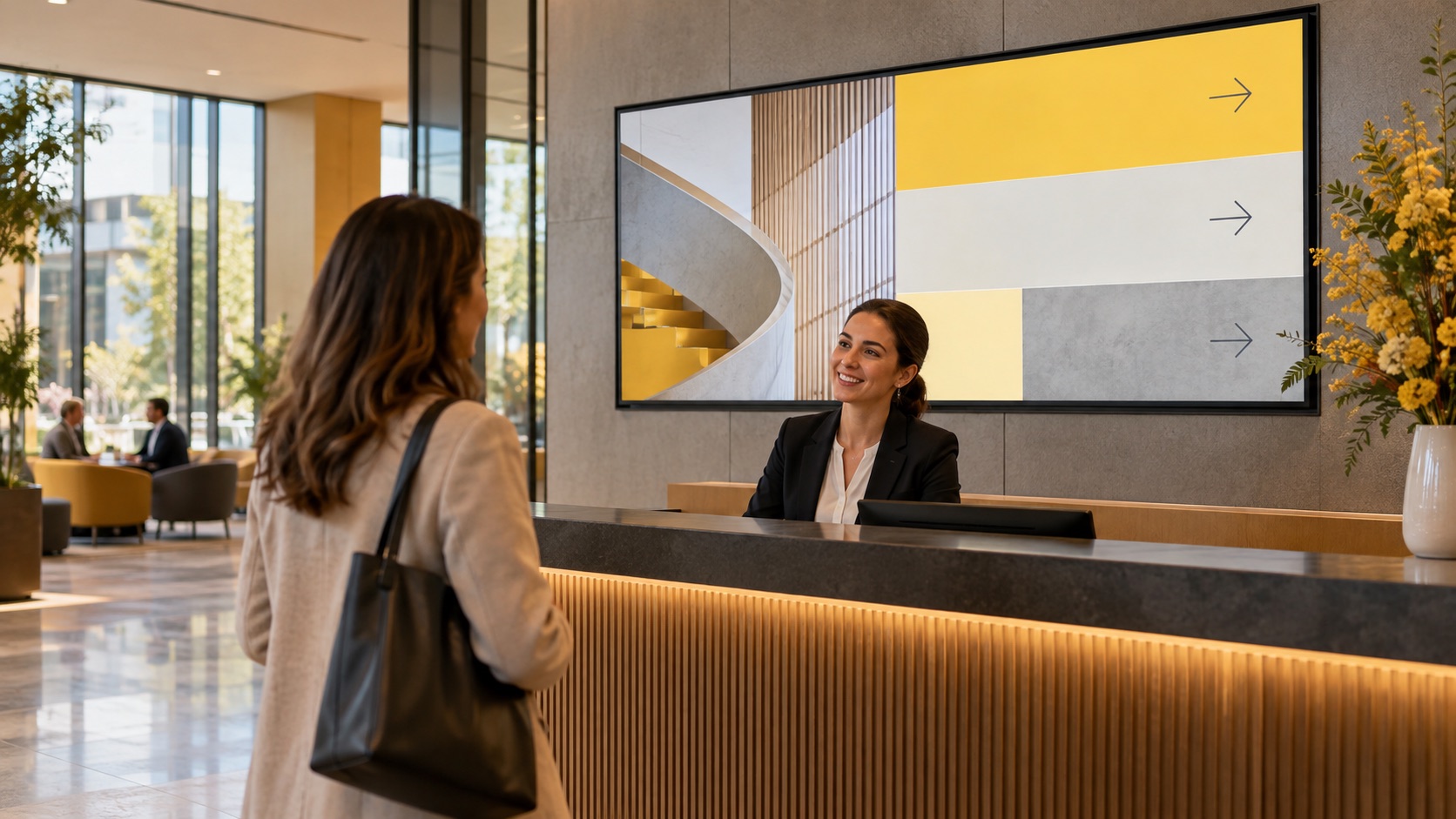
AT RECEPTION / WELCOME AND ORIENT
A clear first instruction.
The visitor enters the lobby and needs to find the correct room rather than a generic floor directory.
Reception screens show the day’s relevant information and direct the visitor to the right area.
The screen content follows this location and moment.
Publishing rules remain with the responsible team.
What changes: The first screen gives the visitor a useful next step.
Illustrative scene · welcome and orient
AT RECEPTIONRelevant here
INPUTApproved messageApproved
CONTEXTCalendar and room dataSelected
OUTPUTWelcome and orientOn screen
One coordinated flow → The right moment
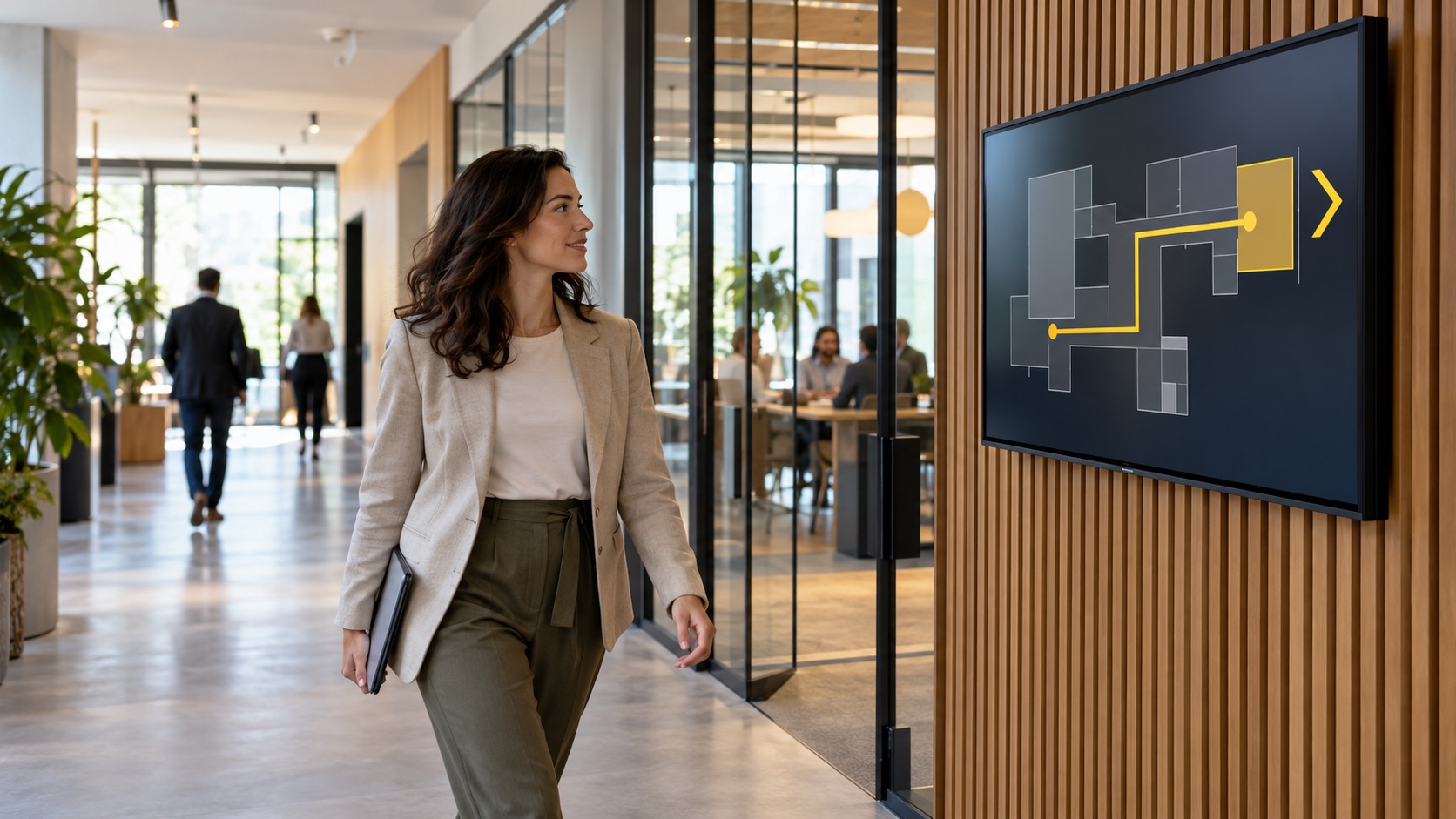
IN THE CORRIDOR / FIND THE ROOM
Directions follow the destination.
A room change would otherwise leave the visitor following yesterday’s printed sign.
Wayfinding screens can update the route when the connected room information changes.
The screen content follows this location and moment.
Publishing rules remain with the responsible team.
What changes: A room change can reach the route as well as the door.
Illustrative scene · find the room
IN THE CORRIDORRelevant here
INPUTApproved messageApproved
CONTEXTCalendar and room dataSelected
OUTPUTFind the roomOn screen
One coordinated flow → The right moment
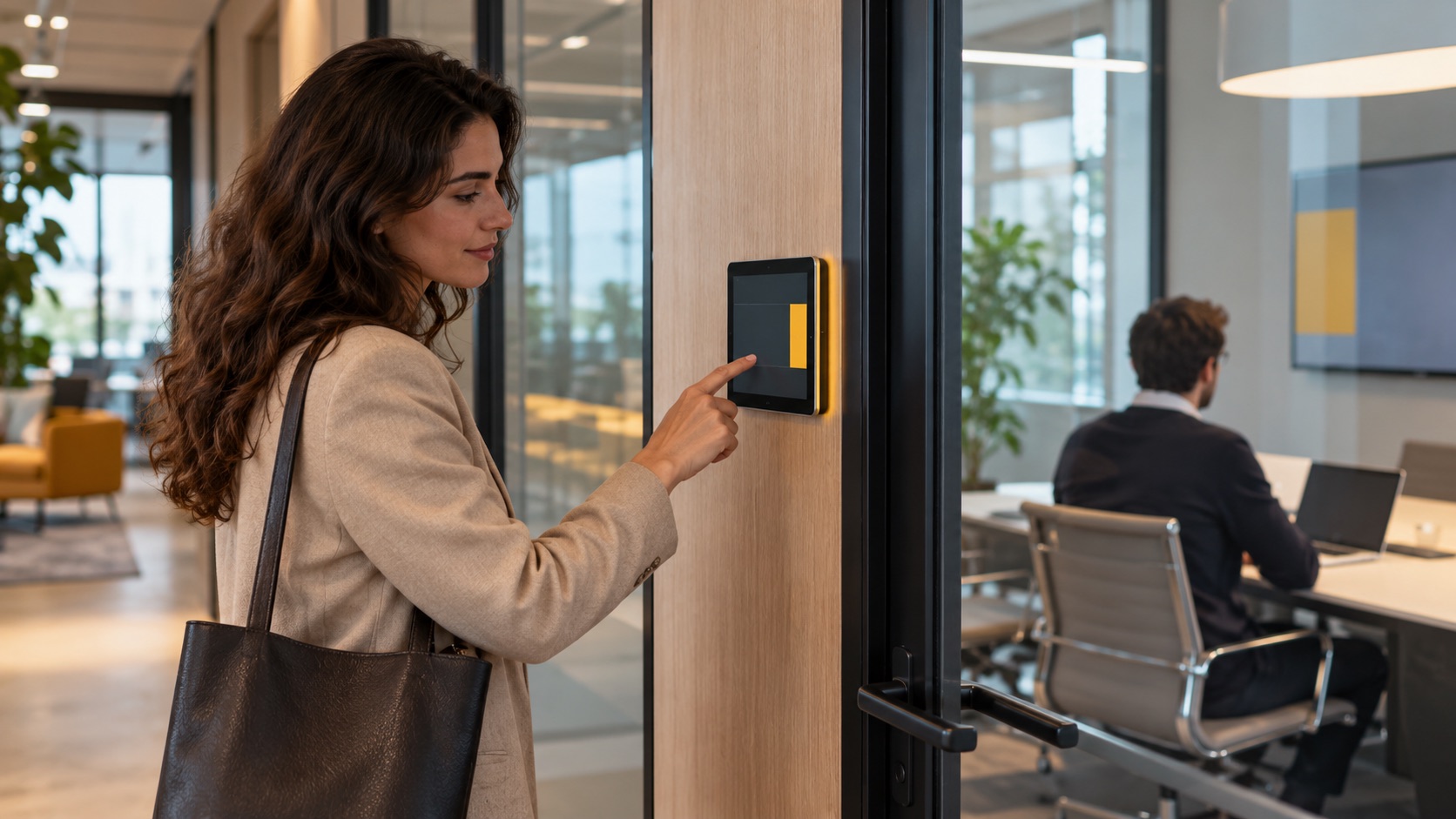
AT THE DOOR / USE THE SPACE
Availability is visible.
Employees need to know whether the meeting room is booked before interrupting the session.
A room display can show availability and support booking when a calendar integration is configured.
The screen content follows this location and moment.
Publishing rules remain with the responsible team.
What changes: People can see whether the space is ready before entering.
Illustrative scene · use the space
AT THE DOORRelevant here
INPUTApproved messageApproved
CONTEXTCalendar and room dataSelected
OUTPUTUse the spaceOn screen
One coordinated flow → The right moment
This anonymous operational scenario is reconstructed from the workflows described on this site. Images illustrate the setting; no named customer, measured result or unverified deployment is implied.
GO DEEPER INTO THE USE CASE
The details behind the journey.
Explore the three areas already documented for this sector, with practical questions and configuration context.
Generated illustrative scene · brand immersion
01 / EXPLORE
Brand Immersion
What this looks like in a connected corporate environment.
Welcome Walls That Tell Your Story
A reception display can welcome visitors with approved messages about the organisation and the day’s activity, while still prioritising practical directions.
Culture Capsules in Shared Spaces
Screens in shared spaces can rotate milestones, team stories and internal initiatives according to the workplace communication plan.
Branded Production Floors
On a production floor, a screen can pair approved culture messages with operational data when that data source is connected and the zone is suitable.
Generated illustrative scene · intelligent wayfinding
02 / EXPLORE
Intelligent Wayfinding
What this looks like in a connected corporate environment.
Smart Directional Signage
Reception and corridor screens can show maps and directional cues for rooms, departments and events, using the current building layout.
Multi-Site Guidance Tailored by Location
A central template can retain a common look while each office receives its own routes, entrances and room labels.
Emergency Guidance Mode
Safety messages require integration with the building’s approved alert system and tested procedures. Signage is one communication surface within that plan.
Generated illustrative scene · efficient room & desk booking
03 / EXPLORE
Efficient Room & Desk Booking
What this looks like in a connected corporate environment.
Tap-and-Go Meeting Room Access
A room display can show availability and support on-the-spot booking when the chosen calendar and access method are integrated.
Real-Time Desk Availability
Connected desk-availability data can be presented on a kiosk or mobile interface so employees can plan a shared-workplace day.
Integrated Calendar & Auto-Sync
A configured calendar connection can align room-screen status with reservations. Sync timing and conflict rules depend on the booking system.
These examples depend on the connected systems, content rights, local operating rules and validation required for each deployment. Safety-critical and patient-facing messages require separate approval by the responsible organisation.
THE CONNECTED OPERATING MODEL
One flow connects the right information to each place.
Behind the visible journey is a repeatable publishing model.
01Approved message
Owned by the relevant team.
→
02Building rules
Connected when configured.
→
03Calendar and room data
Applied to the right location and moment.
→
04Relevant screens
Updated for the intended audience.
WHY THIS MATTERS
A clearer experience for every team and visitor.
◎
For visitors
The next step is visible when it matters.
↗
For employees
Relevant information is easier to act on at the point of work.
▦
For workplace teams
Content and changes are governed from a connected source.
ENTERPRISE CONTENT & DATA VISUALIZATION NATIVELY PROTECTED
Unlock enhanced communication with Voome Digital Signage Cloud Platform.
Schedule a live session with our engineers to test the 3-Layer CMS Editor, Zero-Gap Playout Engine and Multi-Department Governance on your own use cases.