A patient arrives for an appointment, takes a ticket, waits for the call and finds the right room. Clear screens can connect those steps while respecting privacy.
The settingAn illustrative journey through the places where useful information is needed.
THE OPERATIONAL CHALLENGE
Different moments. One reliable message.
Patients need practical, timely information in a setting where uncertainty can increase stress and staff time is limited.
A disconnected kiosk, queue board and corridor sign can each show a different state of the same visit.
01Check-in
A clear first action.
02Privacy-aware calls
A discreet call.
03Waiting information
Directions at each junction.
AN ANONYMISED HEALTHCARE STORY
Follow a patient from arrival to appointment.
Choose a step to see the setting, the communication need and the screen experience that supports it.
AT RECEPTION / CHECK IN
A clear first action.
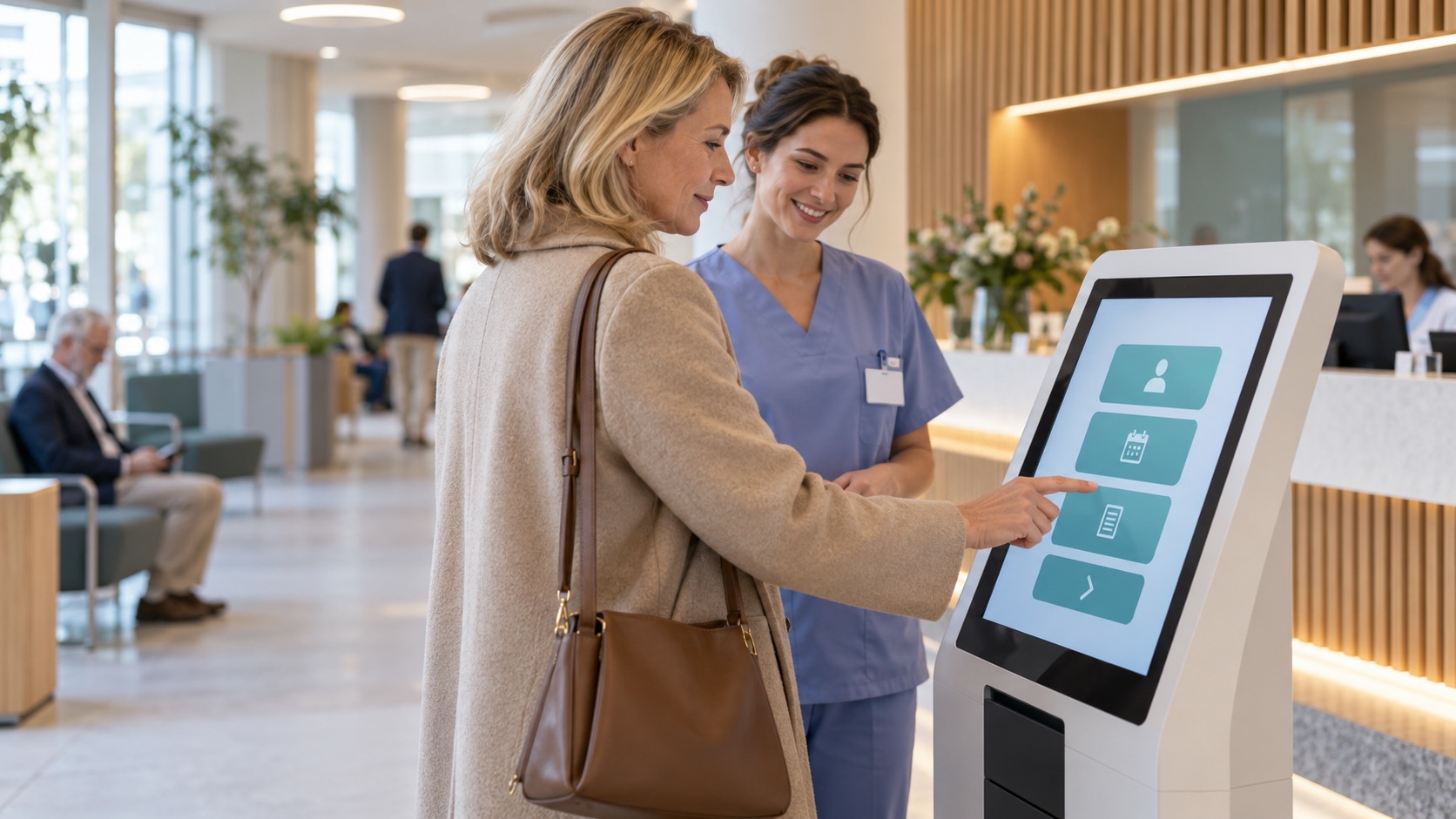
A patient arrives for a scheduled service and needs to identify the correct queue.
A connected kiosk can present available services and issue a ticket according to the facility’s workflow.
The screen content follows this location and moment.
Publishing rules remain with the responsible team.
What changes: The patient knows how to enter the right service flow.
Illustrative scene · check in
AT RECEPTIONRelevant here
INPUTService and queue dataApproved
CONTEXTRoom and route updatesSelected
OUTPUTCheck inOn screen
One coordinated flow → The right moment
IN THE WAITING AREA / KNOW THE STATUS
A discreet call.
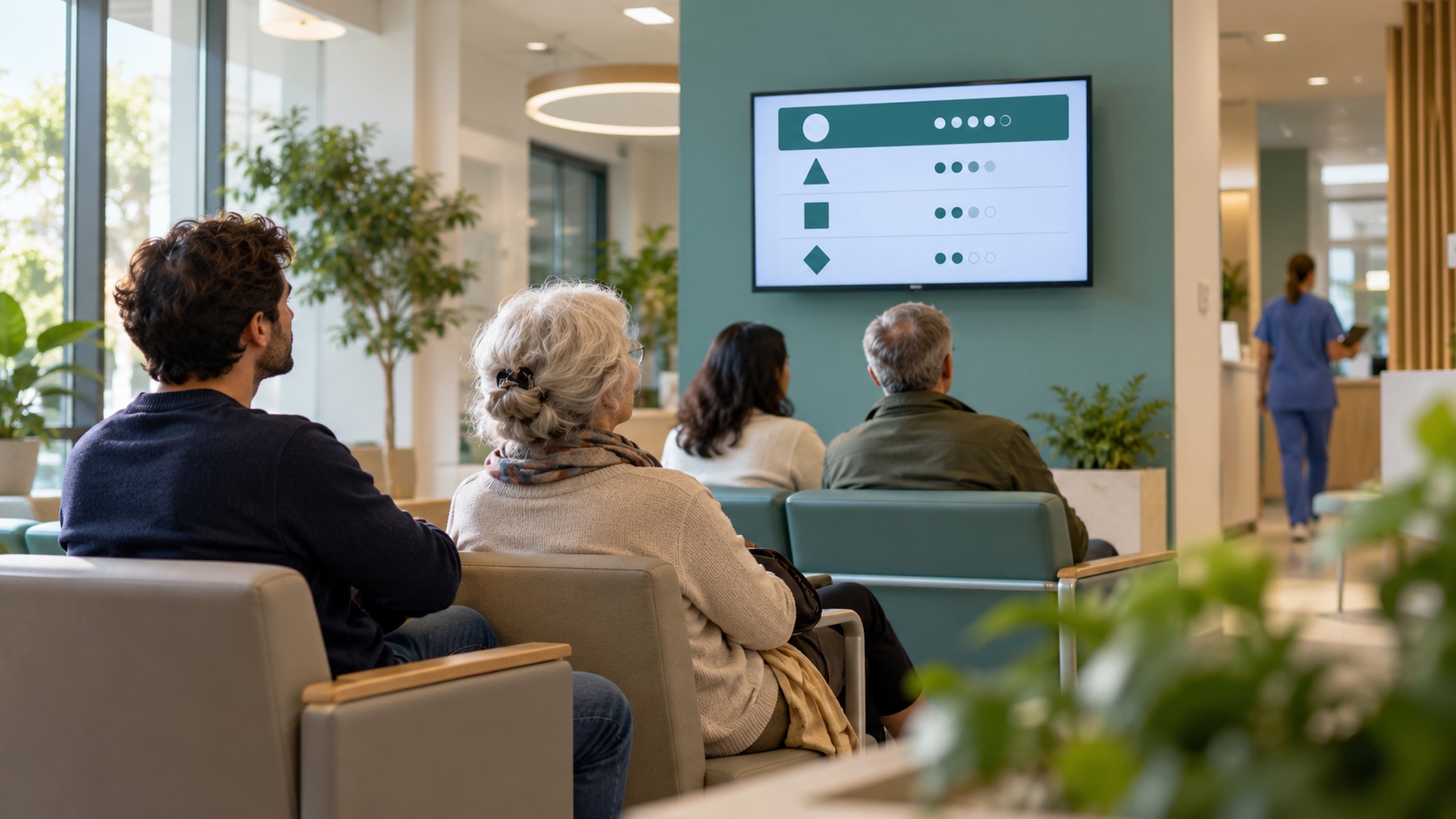
The patient wants to know whether their turn is approaching without a public announcement of their name.
Queue screens can show ticket codes and destination information, subject to the facility’s privacy rules.
The screen content follows this location and moment.
Publishing rules remain with the responsible team.
What changes: A ticket code gives a clear, discreet next step.
Illustrative scene · know the status
IN THE WAITING AREARelevant here
INPUTService and queue dataApproved
CONTEXTRoom and route updatesSelected
OUTPUTKnow the statusOn screen
One coordinated flow → The right moment
ON THE WAY / FIND THE ROOM
Directions at each junction.
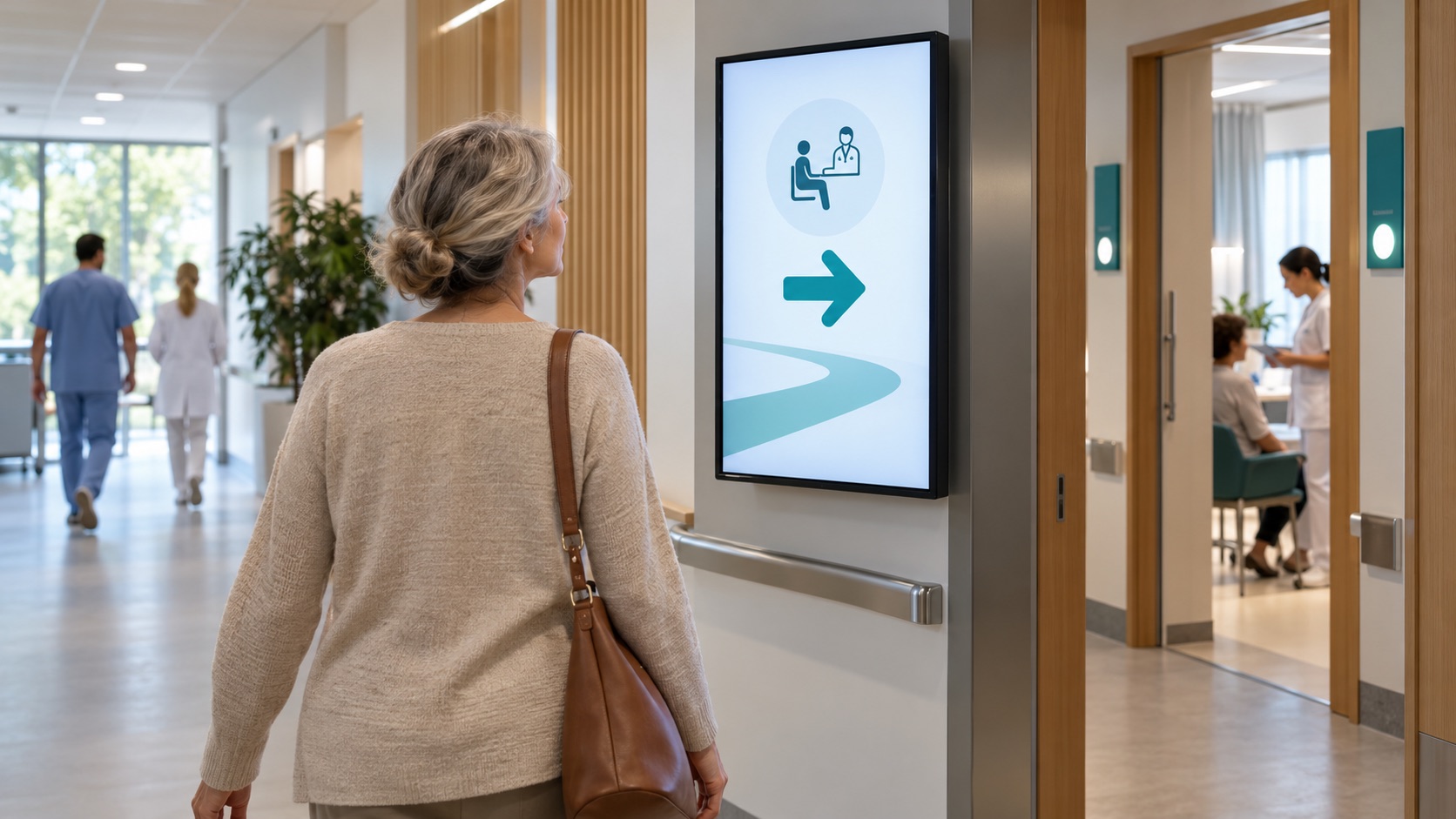
The assigned room is in another part of the building.
Wayfinding screens can show the route set by the facility and update it when room assignments change.
The screen content follows this location and moment.
Publishing rules remain with the responsible team.
What changes: The route follows the assigned room.
Illustrative scene · find the room
ON THE WAYRelevant here
INPUTService and queue dataApproved
CONTEXTRoom and route updatesSelected
OUTPUTFind the roomOn screen
One coordinated flow → The right moment
IF PLANS CHANGE / STAY INFORMED
A delay is communicated once.
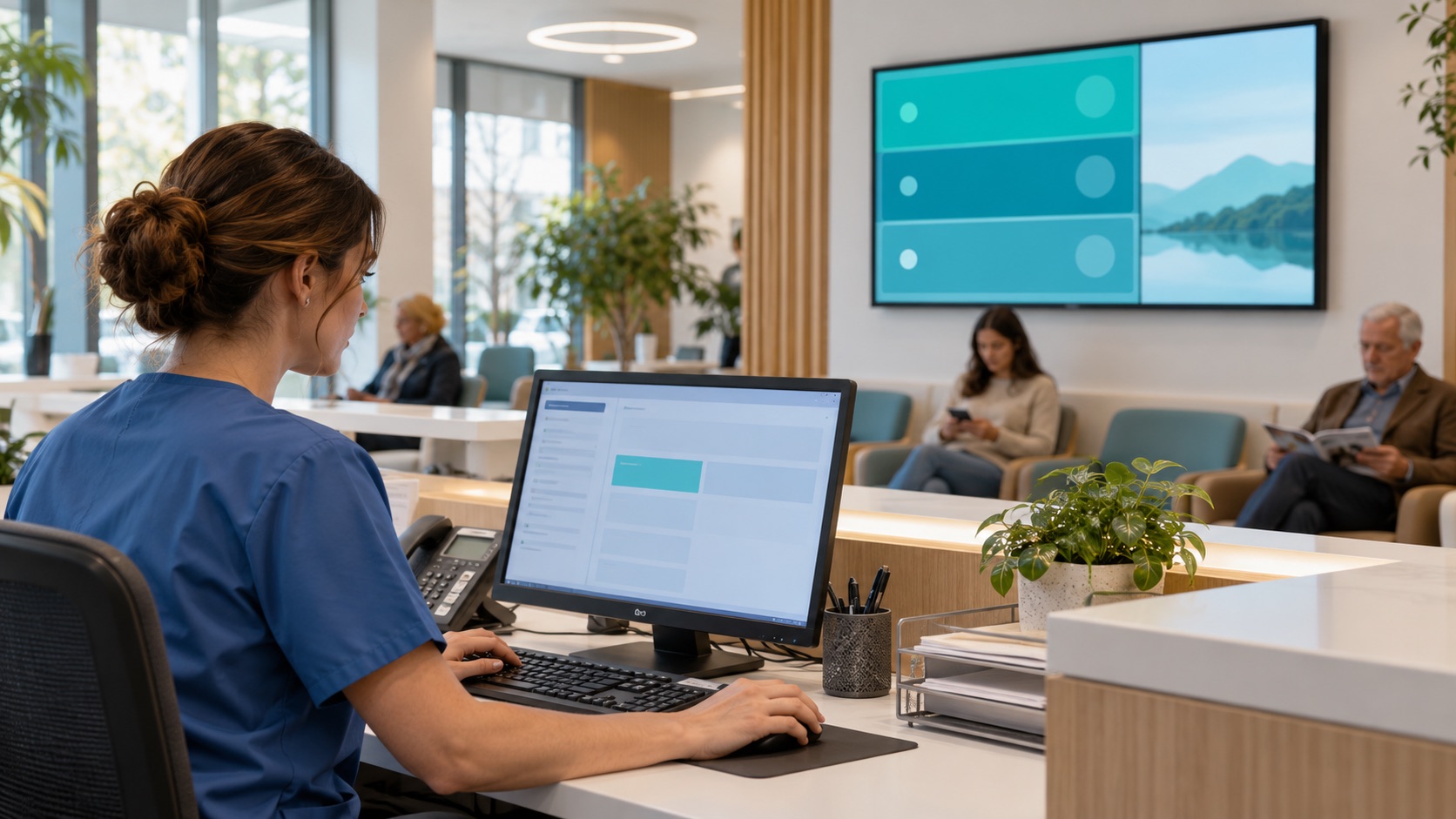
An appointment area is delayed and staff are answering the same question repeatedly.
Approved service notices can reach the affected waiting area while routine health information continues elsewhere.
The screen content follows this location and moment.
Publishing rules remain with the responsible team.
What changes: A service change is communicated in the affected area.
Illustrative scene · stay informed
IF PLANS CHANGERelevant here
INPUTService and queue dataApproved
CONTEXTRoom and route updatesSelected
OUTPUTStay informedOn screen
One coordinated flow → The right moment
This anonymous operational scenario is reconstructed from the workflows described on this site. Images illustrate the setting; no named customer, measured result or unverified deployment is implied.
GO DEEPER INTO THE USE CASE
The details behind the journey.
Explore the three areas already documented for this sector, with practical questions and configuration context.
Generated illustrative scene · patient reception and welcome
01 / EXPLORE
Patient reception and welcome
What this looks like in a connected healthcare environment.
Smart Check-In Totem
A connected kiosk can present available services and issue a ticket according to the facility’s check-in workflow.
Estimated Wait Time Display
A queue display can show the current ticket codes and available waiting information; estimates depend on the quality of the source data.
Privacy-First Ticket Calling
Queue screens can show a ticket code and destination without a patient name. The facility defines privacy and accessibility rules.
Generated illustrative scene · communication: clear, calm, connected
02 / EXPLORE
Communication: clear, calm, connected
What this looks like in a connected healthcare environment.
Live Procedure Announcements
Approved short-form content can explain preparation steps for common procedures while clinical advice remains with care staff.
Staff Availability Status
A facility can publish service or room availability from an authorised scheduling source without exposing staff or patient details unnecessarily.
Health Tips & Alerts
Waiting-area screens can rotate approved public-health tips and service notices between queue updates.
Generated illustrative scene · wayfinding and event flow
03 / EXPLORE
Wayfinding and event flow
What this looks like in a connected healthcare environment.
Dynamic Navigation Arrows
Directional screens can show a route to the assigned room. Changes require a connected room source and an approved path.
Crowd Balancer Display
If occupancy data and approved routes are available, screens can suggest a less busy waiting area. The care team owns the routing rules.
Event & Seminar Boards
Screens can list seminars, screenings or talks with their time and room, using the facility’s approved event schedule.
These examples depend on the connected systems, content rights, local operating rules and validation required for each deployment. Safety-critical and patient-facing messages require separate approval by the responsible organisation.
THE CONNECTED OPERATING MODEL
One flow connects the right information to each place.
Behind the visible journey is a repeatable publishing model.
01Service and queue data
Owned by the relevant team.
→
02Privacy rules
Connected when configured.
→
03Room and route updates
Applied to the right location and moment.
→
04Patient-facing screens
Updated for the intended audience.
WHY THIS MATTERS
A clearer experience for every team and visitor.
◎
For patients
The next step is visible when it matters.
↗
For reception staff
Relevant information is easier to act on at the point of work.
▦
For care teams
Content and changes are governed from a connected source.
ENTERPRISE CONTENT & DATA VISUALIZATION NATIVELY PROTECTED
Unlock enhanced communication with Voome Digital Signage Cloud Platform.
Schedule a live session with our engineers to test the 3-Layer CMS Editor, Zero-Gap Playout Engine and Multi-Department Governance on your own use cases.