LARGE SCALE DISTRIBUTION USE CASE / THE CONNECTED JOURNEY
One store visit. Many moments to guide.
A shopper enters a busy supermarket, looks for a department, compares an offer at the shelf and then heads to a service point. Each screen should answer the question at that moment.
Store navigationShelf communicationRetail mediaService queues
The settingAn illustrative journey through the places where useful information is needed.
THE OPERATIONAL CHALLENGE
Different moments. One reliable message.
High-traffic stores must coordinate directions, product information, promotions and service updates across very different zones.
When every screen runs an isolated loop, shoppers see offers out of context and staff must explain where to go next.
01Store navigation
Find the right department.
02Shelf communication
Context at the shelf.
03Retail media
A campaign with placement rules.
AN ANONYMISED LARGE SCALE DISTRIBUTION STORY
Follow a shopper through a busy store.
Choose a step to see the setting, the communication need and the screen experience that supports it.
AT THE ENTRANCE / CHOOSE A ROUTE
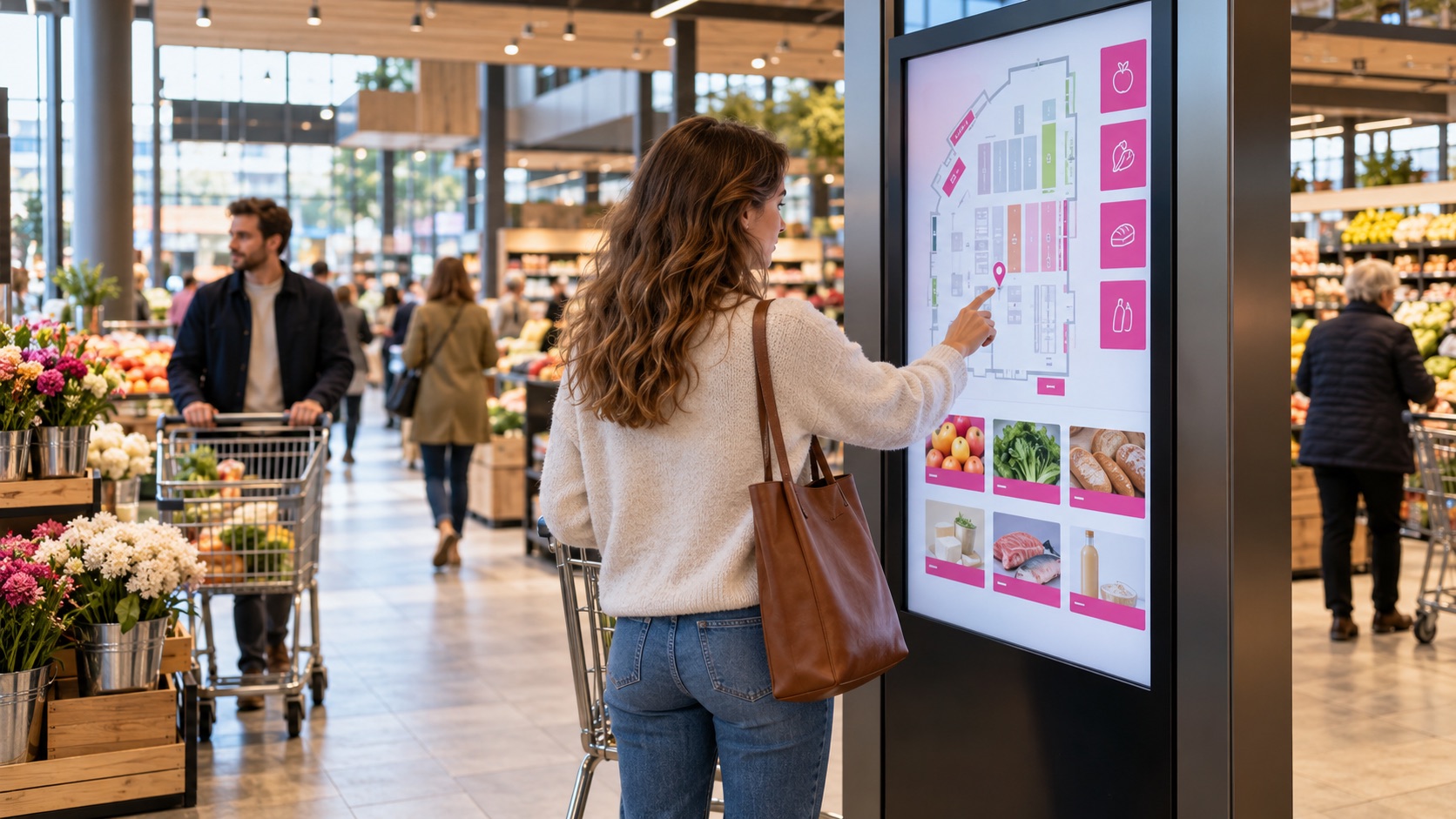
Find the right department.
A shopper arrives for a quick purchase in an unfamiliar store.
An entrance display can point to fresh food, seasonal zones and services relevant to that location.
The screen content follows this location and moment.
Publishing rules remain with the responsible team.
What changes: The visitor can orient themselves before entering an aisle.
Illustrative scene · choose a route
AT THE ENTRANCERelevant here
INPUTStore contentApproved
CONTEXTZone and time rulesSelected
OUTPUTChoose a routeOn screen
One coordinated flow → The right moment
IN THE AISLE / UNDERSTAND THE OFFER
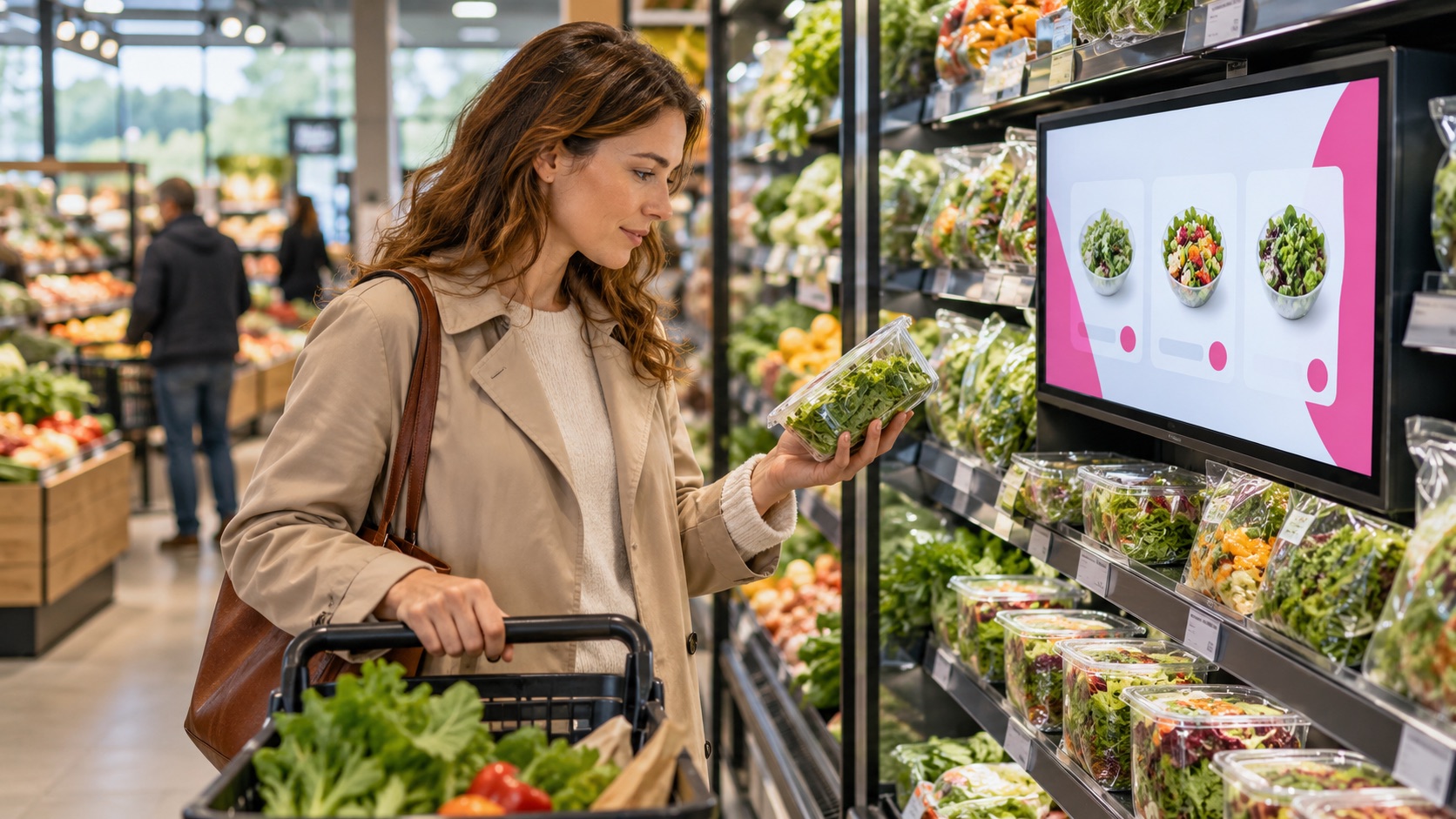
Context at the shelf.
The shopper reaches a promoted category and needs the offer details beside the products.
Shelf and aisle screens can combine approved creative with current product information.
The screen content follows this location and moment.
Publishing rules remain with the responsible team.
What changes: The offer appears beside the products it explains.
Illustrative scene · understand the offer
IN THE AISLERelevant here
INPUTStore contentApproved
CONTEXTZone and time rulesSelected
OUTPUTUnderstand the offerOn screen
One coordinated flow → The right moment
ON THE NETWORK / PLAN RETAIL MEDIA
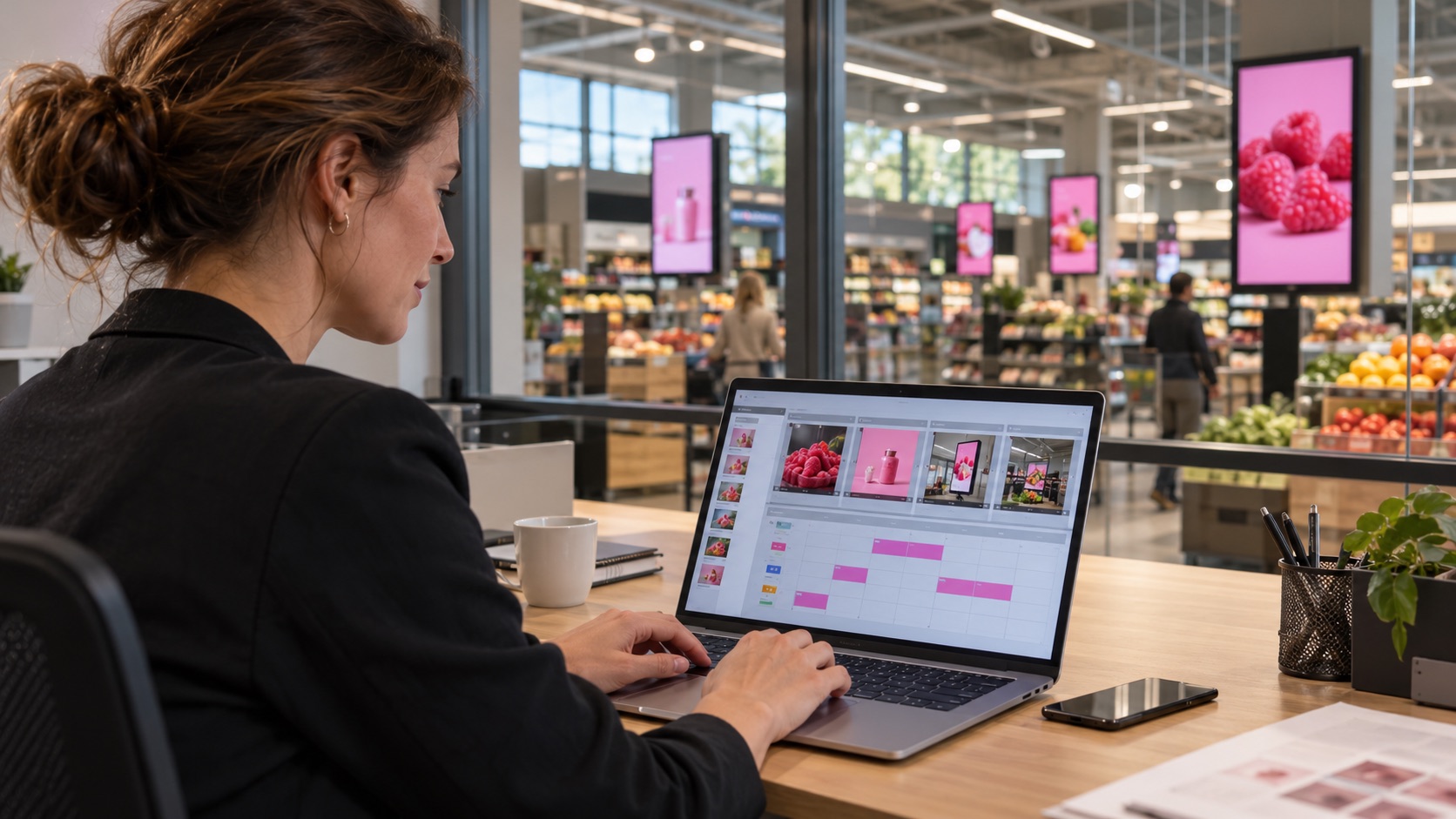
A campaign with placement rules.
A brand campaign needs defined stores, screens and time slots without obscuring essential store information.
A managed media schedule can assign creative to eligible placements and keep house messages distinct.
The screen content follows this location and moment.
Publishing rules remain with the responsible team.
What changes: Media placements follow store and campaign rules.
Illustrative scene · plan retail media
ON THE NETWORKRelevant here
INPUTStore contentApproved
CONTEXTZone and time rulesSelected
OUTPUTPlan retail mediaOn screen
One coordinated flow → The right moment
AT THE SERVICE DESK / SEE WHAT IS NEXT
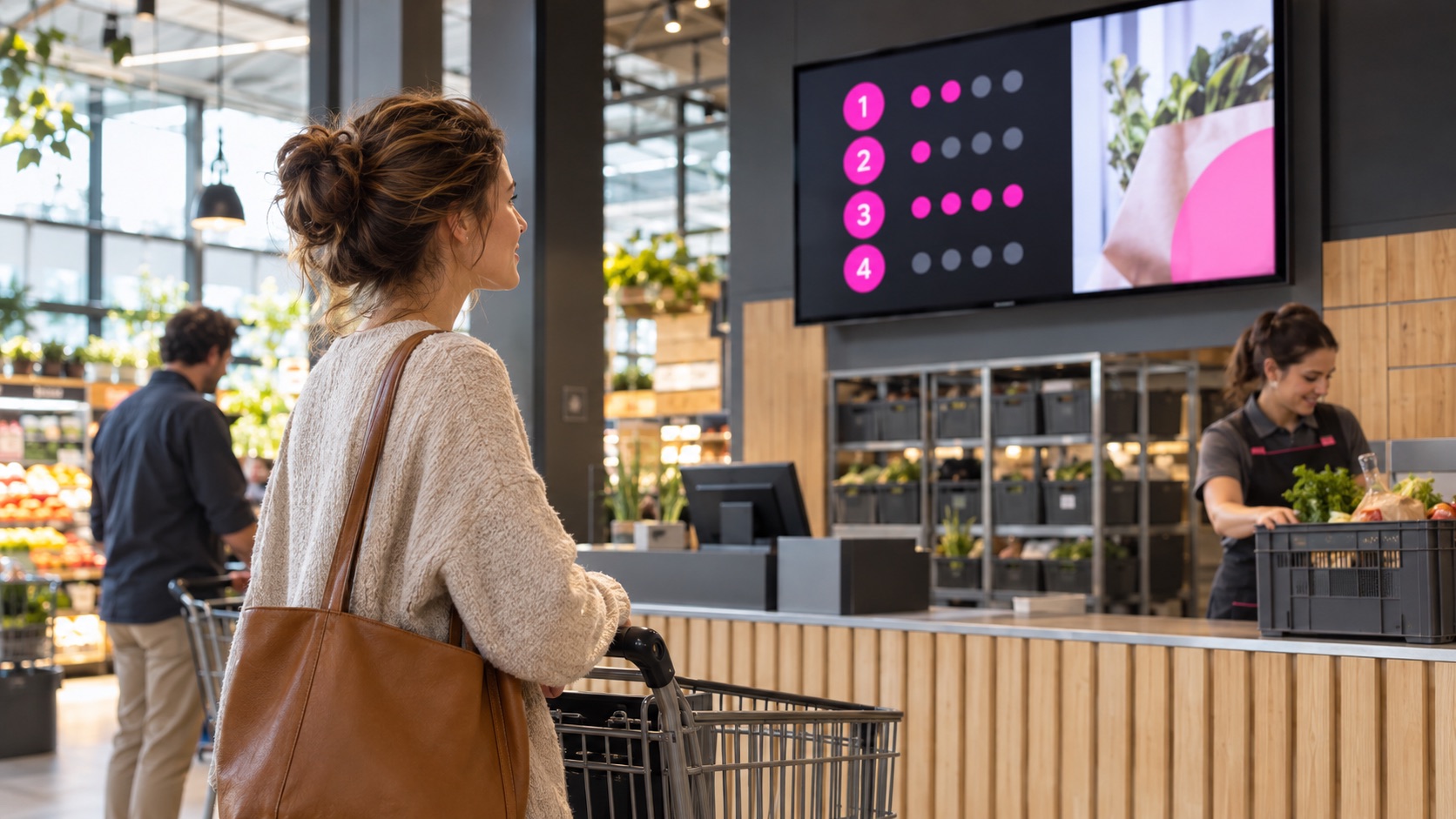
Queue information reduces uncertainty.
At pickup or customer service, shoppers need to know which counter is serving and when their turn is ready.
A connected queue or order feed can put status on the nearby screen using a privacy-aware code.
The screen content follows this location and moment.
Publishing rules remain with the responsible team.
What changes: Pickup and service status becomes visible where people wait.
Illustrative scene · see what is next
AT THE SERVICE DESKRelevant here
INPUTStore contentApproved
CONTEXTZone and time rulesSelected
OUTPUTSee what is nextOn screen
One coordinated flow → The right moment
This anonymous operational scenario is reconstructed from the workflows described on this site. Images illustrate the setting; no named customer, measured result or unverified deployment is implied.
GO DEEPER INTO THE USE CASE
The details behind the journey.
Explore the three areas already documented for this sector, with practical questions and configuration context.
Generated illustrative scene · efficient customer navigation
01 / EXPLORE
Efficient Customer Navigation
What this looks like in a connected large scale distribution environment.
Dynamic Directional Screens at Key Intersections
Displays at entrances and aisle junctions can point to departments, seasonal zones and services using a route approved for that store.
Time-Based Wayfinding Suggestions
Content schedules can change the highlighted department or offer by time of day while permanent navigation remains easy to find.
Multilingual Navigation Support
Language variants can be assigned by store or screen location; the experience need not infer anything about an individual shopper.
Generated illustrative scene · product communication & smart advertising
02 / EXPLORE
Product Communication & Smart Advertising
What this looks like in a connected large scale distribution environment.
How can programmatic advertising fit the screen network?
A configured retail media integration can allocate approved campaigns by store, screen and time slot. Inventory, rights and reporting depend on the deployment.
In-House Advertising Channels for Vendor Promotions
A retailer can reserve part of its screen network for supplier campaigns and keep house messages under central approval and placement rules.
Contextual Product Highlights on Shelf Screens
Shelf displays can show product details or related items. Stock-led messages require a connected catalogue or inventory feed and validation rules.
Generated illustrative scene · optimized service & queue management
03 / EXPLORE
Optimized Service & Queue Management
What this looks like in a connected large scale distribution environment.
Smart Queue Displays with Real-Time Updates
When connected to the queue source, service screens can show ticket codes, counters and available wait information without exposing unnecessary personal details.
Click & Collect Status Screens
A pickup display can show order readiness by a privacy-aware code when order or logistics status is available from the retailer’s system.
Multi-Service Routing and Digital Concierge
A service kiosk can present the available desks and hand a visitor a route or ticket when the queue and wayfinding workflows are integrated.
These examples depend on the connected systems, content rights, local operating rules and validation required for each deployment. Safety-critical and patient-facing messages require separate approval by the responsible organisation.
THE CONNECTED OPERATING MODEL
One flow connects the right information to each place.
Behind the visible journey is a repeatable publishing model.
01Store content
Owned by the relevant team.
→
02Product and media data
Connected when configured.
→
03Zone and time rules
Applied to the right location and moment.
→
04Aisle and service screens
Updated for the intended audience.
WHY THIS MATTERS
A clearer experience for every team and visitor.
◎
For shoppers
The next step is visible when it matters.
↗
For store teams
Relevant information is easier to act on at the point of work.
▦
For central operators
Content and changes are governed from a connected source.
ENTERPRISE CONTENT & DATA VISUALIZATION NATIVELY PROTECTED
Unlock enhanced communication with Voome Digital Signage Cloud Platform.
Schedule a live session with our engineers to test the 3-Layer CMS Editor, Zero-Gap Playout Engine and Multi-Department Governance on your own use cases.