CRUISES & RESORTS USE CASE / THE CONNECTED JOURNEY
A day on board. Every guest knows what comes next.
A guest boards, looks for the right deck, chooses an activity and follows a changed schedule. Screens across the ship can make that sequence easier to navigate.
The settingAn illustrative journey through the places where useful information is needed.
THE OPERATIONAL CHALLENGE
Different moments. One reliable message.
A ship contains many venues and languages, while schedules and service information can change throughout the day.
A printed programme is quickly out of date when a show changes time or a venue reaches capacity.
01Boarding
A welcome for this voyage.
02Deck guidance
Directions by deck.
03Daily programme
The schedule is current.
AN ANONYMISED CRUISES & RESORTS STORY
Follow a guest across the ship.
Choose a step to see the setting, the communication need and the screen experience that supports it.
ON BOARDING / START WITH CLARITY
A welcome for this voyage.
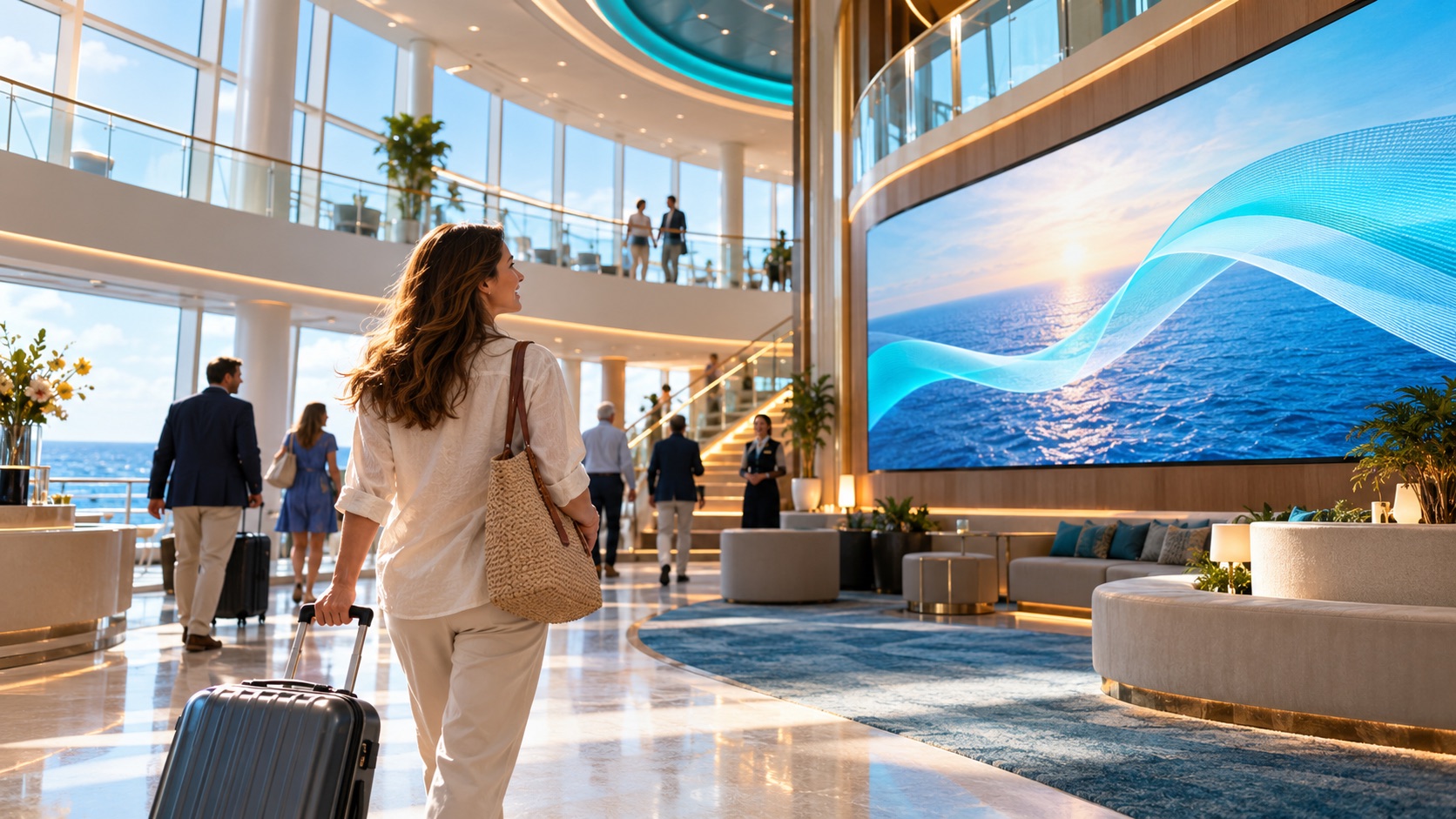
A guest enters the atrium and needs the day’s first practical information.
Welcome displays can show the current programme, destination and where to find key services.
The screen content follows this location and moment.
Publishing rules remain with the responsible team.
What changes: The day’s practical information meets guests as they board.
Illustrative scene · start with clarity
ON BOARDINGRelevant here
INPUTApproved programmeApproved
CONTEXTDeck and language rulesSelected
OUTPUTStart with clarityOn screen
One coordinated flow → The right moment
IN THE CORRIDOR / FIND THE VENUE
Directions by deck.
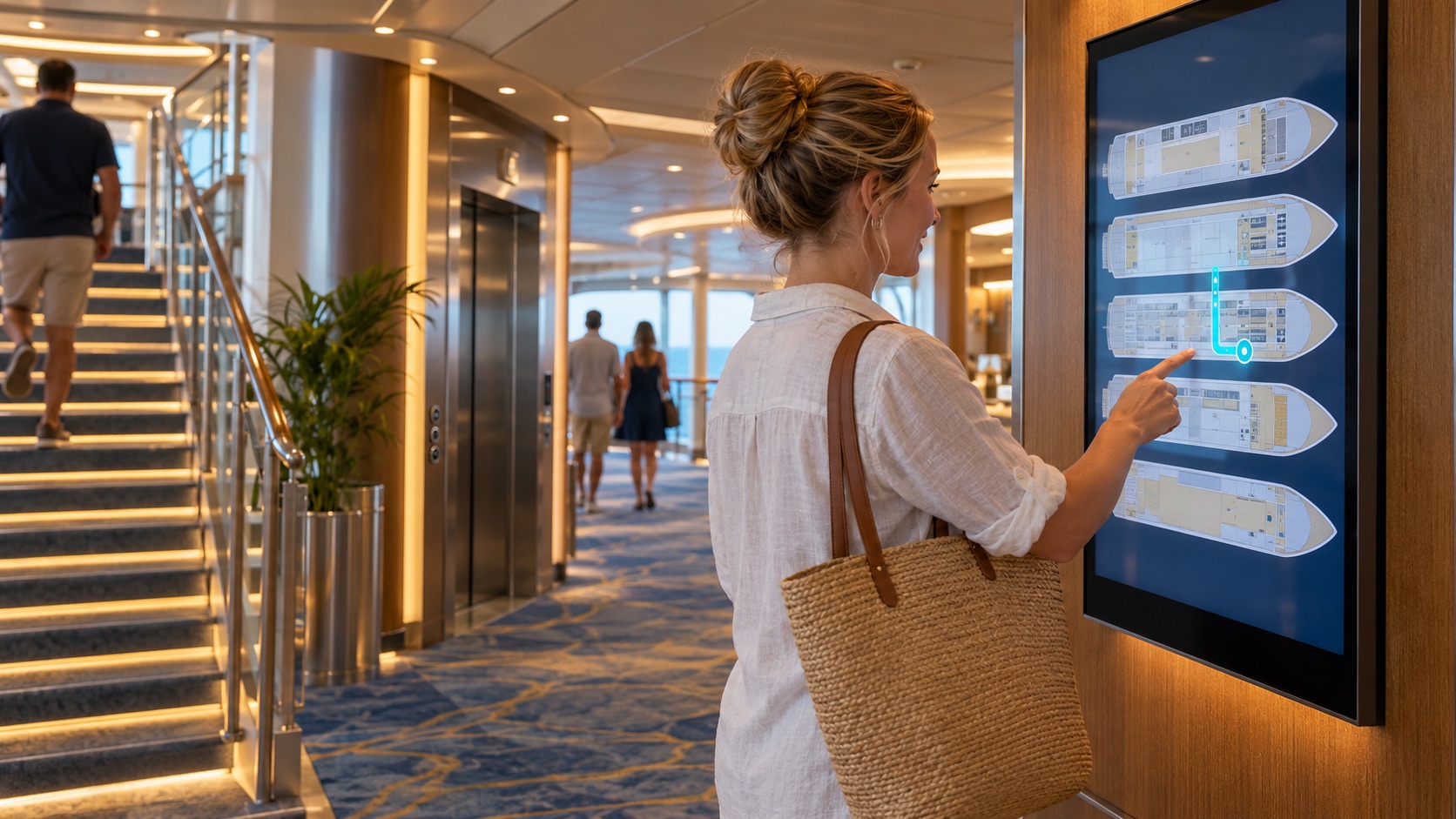
The guest is looking for a restaurant on another deck.
A deck-specific map or QR route can help them continue without stopping at a service desk.
The screen content follows this location and moment.
Publishing rules remain with the responsible team.
What changes: A deck-specific route replaces a generic directory.
Illustrative scene · find the venue
IN THE CORRIDORRelevant here
INPUTApproved programmeApproved
CONTEXTDeck and language rulesSelected
OUTPUTFind the venueOn screen
One coordinated flow → The right moment
BEFORE A SHOW / CHOOSE AN ACTIVITY
The schedule is current.
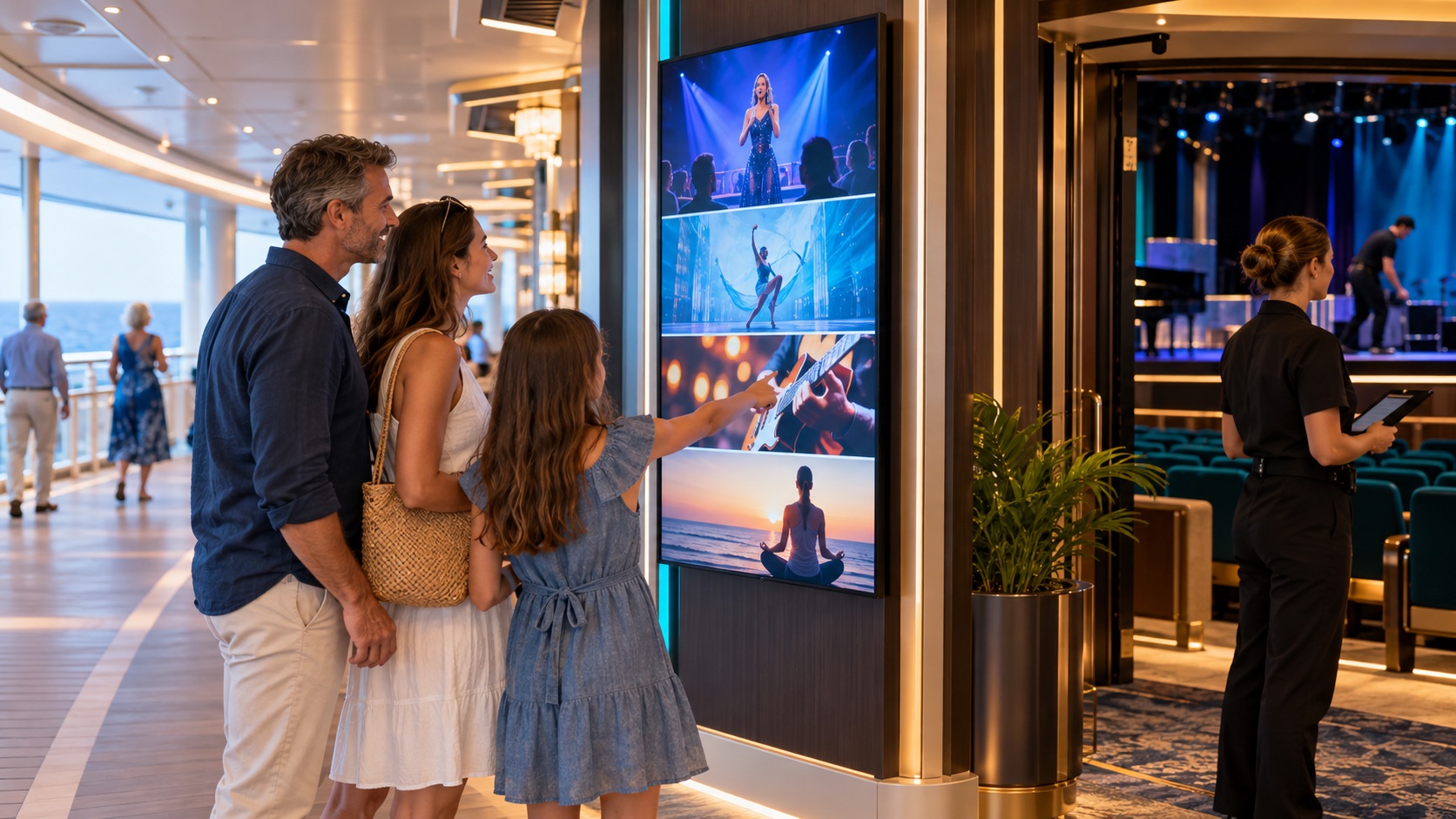
An event changes room while guests are already moving through the ship.
A central update can revise programme screens and the affected directional messages.
The screen content follows this location and moment.
Publishing rules remain with the responsible team.
What changes: The programme and the way to the venue stay aligned.
Illustrative scene · choose an activity
BEFORE A SHOWRelevant here
INPUTApproved programmeApproved
CONTEXTDeck and language rulesSelected
OUTPUTChoose an activityOn screen
One coordinated flow → The right moment
WHEN PLANS CHANGE / SHARE AN UPDATE
The right zones see it.
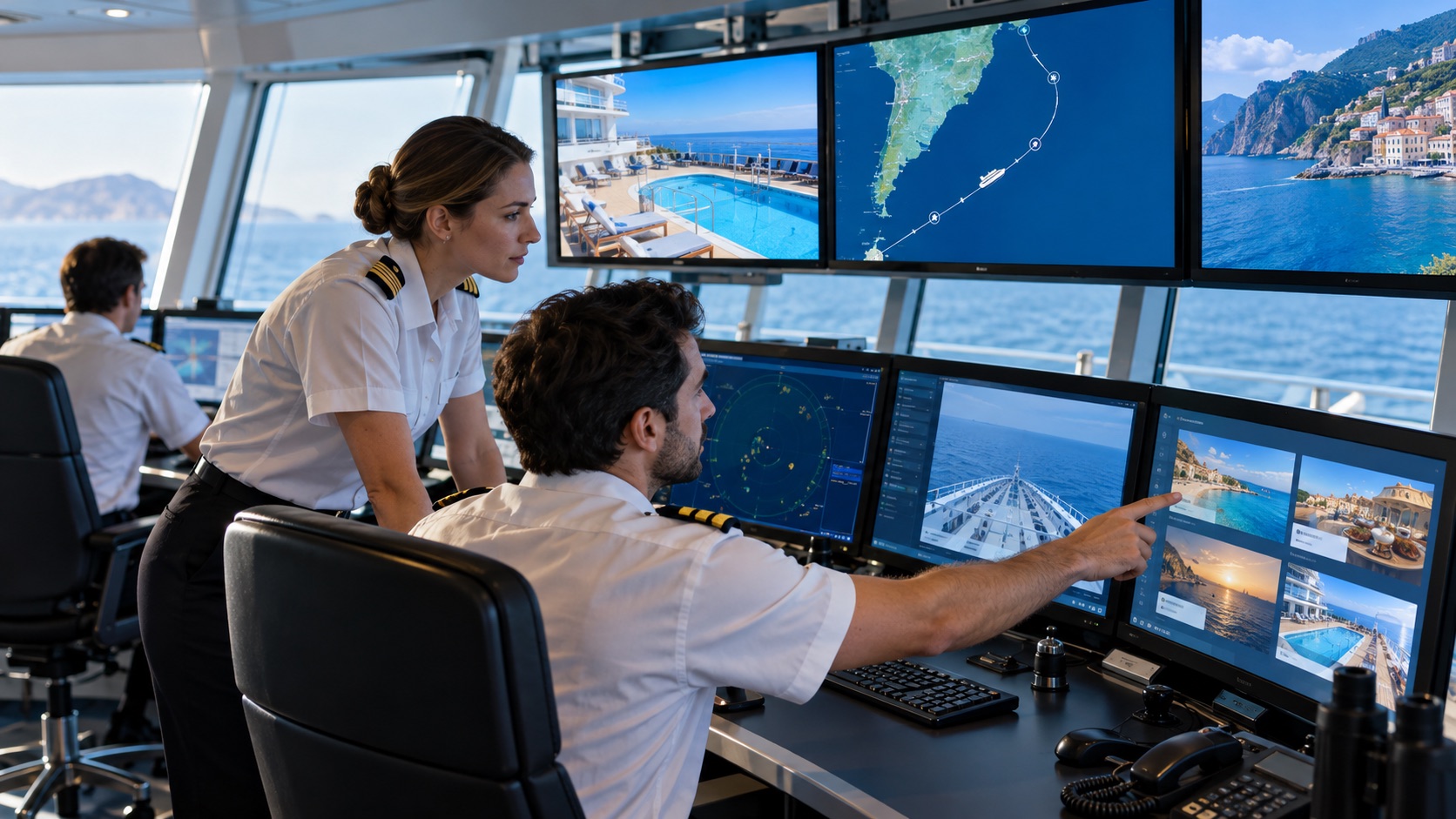
Operations need to publish a venue or service update across selected public areas.
Authorised teams can prioritise an operational message over routine content; safety-critical use requires the ship’s approved systems and procedures.
The screen content follows this location and moment.
Publishing rules remain with the responsible team.
What changes: Operational updates reach the selected public areas.
Illustrative scene · share an update
WHEN PLANS CHANGERelevant here
INPUTApproved programmeApproved
CONTEXTDeck and language rulesSelected
OUTPUTShare an updateOn screen
One coordinated flow → The right moment
This anonymous operational scenario is reconstructed from the workflows described on this site. Images illustrate the setting; no named customer, measured result or unverified deployment is implied.
GO DEEPER INTO THE USE CASE
The details behind the journey.
Explore the three areas already documented for this sector, with practical questions and configuration context.
Generated illustrative scene · security: real-time monitoring and smart triggers
01 / EXPLORE
SECURITY: Real-Time Monitoring and Smart Triggers
What this looks like in a connected cruises & resorts environment.
Crowd Monitoring in Critical Zones
If presence sensors are connected and validated, a display can show an area’s occupancy state. Capacity decisions remain with ship operations.
Safety Capacity Triggers in Real Time
A venue entrance can show an approved capacity indicator from the ship’s operational source, helping guests choose another time or place.
Automated Emergency Overrides
Safety-critical messages require a verified connection to the vessel’s approved emergency systems, authorised operators and tested procedures.
Generated illustrative scene · inform, update and engage passengers
02 / EXPLORE
Inform, Update and Engage Passengers
What this looks like in a connected cruises & resorts environment.
Welcome Messages and Daily Highlights
Welcome and daily programme screens can show current port, weather and activity information by deck or venue.
Live Streaming of Shows and Announcements
Selected screens can carry an authorised live feed or scheduled announcement when the onboard network, rights and source support it.
Multi-Language Messaging by Location
Language variants can be assigned to a deck, venue or screen group. Individual guest identification is not assumed.
Generated illustrative scene · get guests where they need to be
03 / EXPLORE
Get Guests Where They Need to Be
What this looks like in a connected cruises & resorts environment.
Dynamic Directional Arrows for Events
Directional screens can point to a show venue using the current deck route. Crowd-responsive changes require validated flow data.
Smart Notifications Near Elevators and Entrances
Screens near lifts and entrances can show upcoming activities, start times and availability when that data is connected.
Interactive Maps for Personalized Navigation
An interactive map can help guests find venues or cabins and offer a QR route to continue on a phone.
These examples depend on the connected systems, content rights, local operating rules and validation required for each deployment. Safety-critical and patient-facing messages require separate approval by the responsible organisation.
THE CONNECTED OPERATING MODEL
One flow connects the right information to each place.
Behind the visible journey is a repeatable publishing model.
01Approved programme
Owned by the relevant team.
→
02Venue and service data
Connected when configured.
→
03Deck and language rules
Applied to the right location and moment.
→
04Guest-facing screens
Updated for the intended audience.
WHY THIS MATTERS
A clearer experience for every team and visitor.
◎
For guests
The next step is visible when it matters.
↗
For crew
Relevant information is easier to act on at the point of work.
▦
For operations teams
Content and changes are governed from a connected source.
ENTERPRISE CONTENT & DATA VISUALIZATION NATIVELY PROTECTED
Unlock enhanced communication with Voome Digital Signage Cloud Platform.
Schedule a live session with our engineers to test the 3-Layer CMS Editor, Zero-Gap Playout Engine and Multi-Department Governance on your own use cases.