A campaign is approved at headquarters. A shopper sees it in the window, explores it inside and asks an associate for the right option. Here is how one connected content flow keeps those moments aligned.
Store windowsIn-store screensAssisted sellingCentral governance
The settingA physical store where screens support the customer journey from outside to inside.
THE OPERATIONAL CHALLENGE
A launch is ready. The stores are not yet in sync.
In a multi-store retail operation, the campaign asset is only the beginning. Window loops, product information and associate-led moments must match the same message—even when a local offer or product detail changes during the day.
USB updates, isolated screens and manual handovers create gaps. The useful change is a controlled path from approved content and product data to each customer-facing screen.
01HQ to store
Approved assets reach the right locations and screen zones.
02Store to shopper
The message changes with the moment, not with a USB stick.
03Shopper to associate
Digital content supports a real conversation on the floor.
AN ANONYMISED RETAIL STORY
Follow the campaign through the store.
Choose a moment to see the setting, the communication need and the screen experience that supports it.
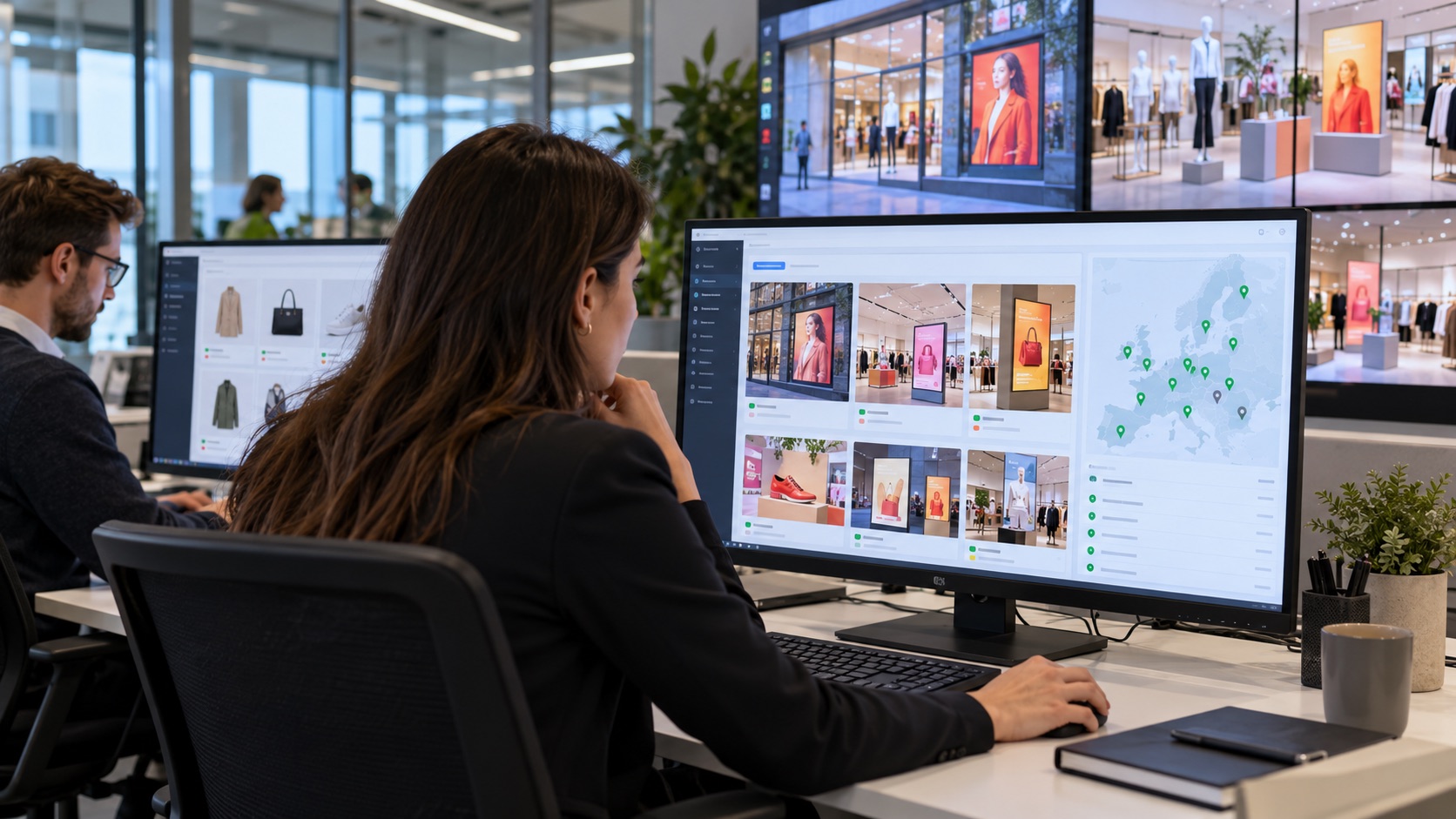
CAMPAIGN CONTROL / HEADQUARTERS
The launch is approved once and adapted for each location.
Before the stores open, the retail marketing team schedules the new collection. Window, in-store and associate-facing layouts share the same visual language; store-specific rules determine which offer appears where.
Central approval protects brand consistency.
Local variations can follow store format, city or time of day.
Publishing no longer depends on someone carrying files to each screen.
What changes: one controlled campaign replaces disconnected local handovers.
Illustrative scene: central campaign planning across store touchpoints.
CAMPAIGN READYApproved
WINDOWCampaign visualScheduled
IN-STOREProduct storyScheduled
ASSOCIATEDetailed viewReady
One source → Store-specific screens
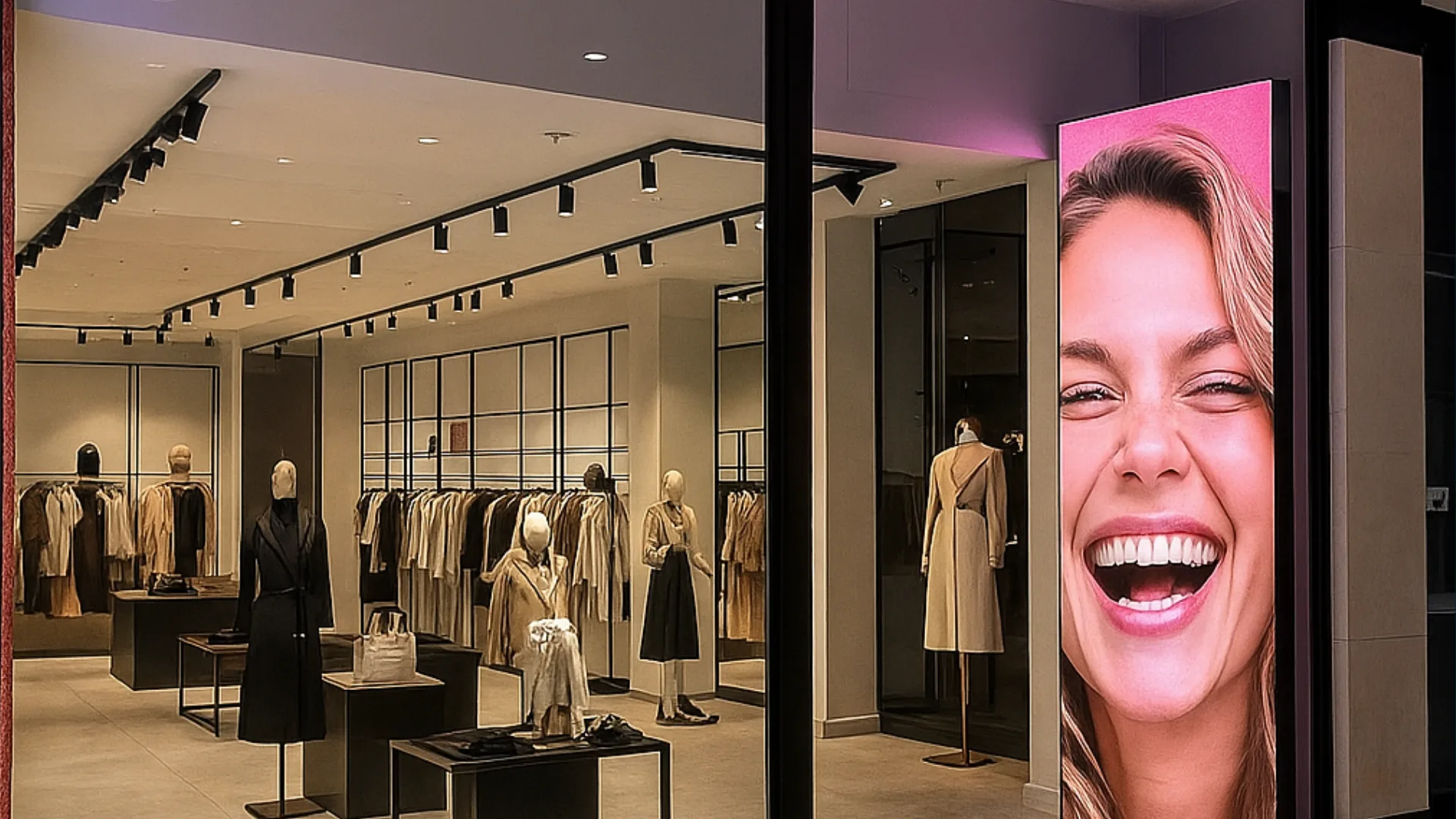
DISCOVERY / SHOP WINDOW
The first screen gives a reason to step inside.
A shopper passes the window before entering. The display runs the approved campaign in a format made for the street, while a QR path can carry the product story onto the shopper’s phone after hours.
Campaign timing can follow opening hours and local context.
The same creative stays recognizable across the window and the store.
A QR route continues discovery without needing a salesperson at the window.
What changes: the window becomes the start of a connected journey, not an isolated loop.
Illustrative scene: the campaign meets shoppers at the storefront.
WINDOW / LOCAL CAMPAIGNLive
THE NEW SEASONSee the collection inside.Scan to explore the edit →
Scheduled at HQ → Visible at the right store
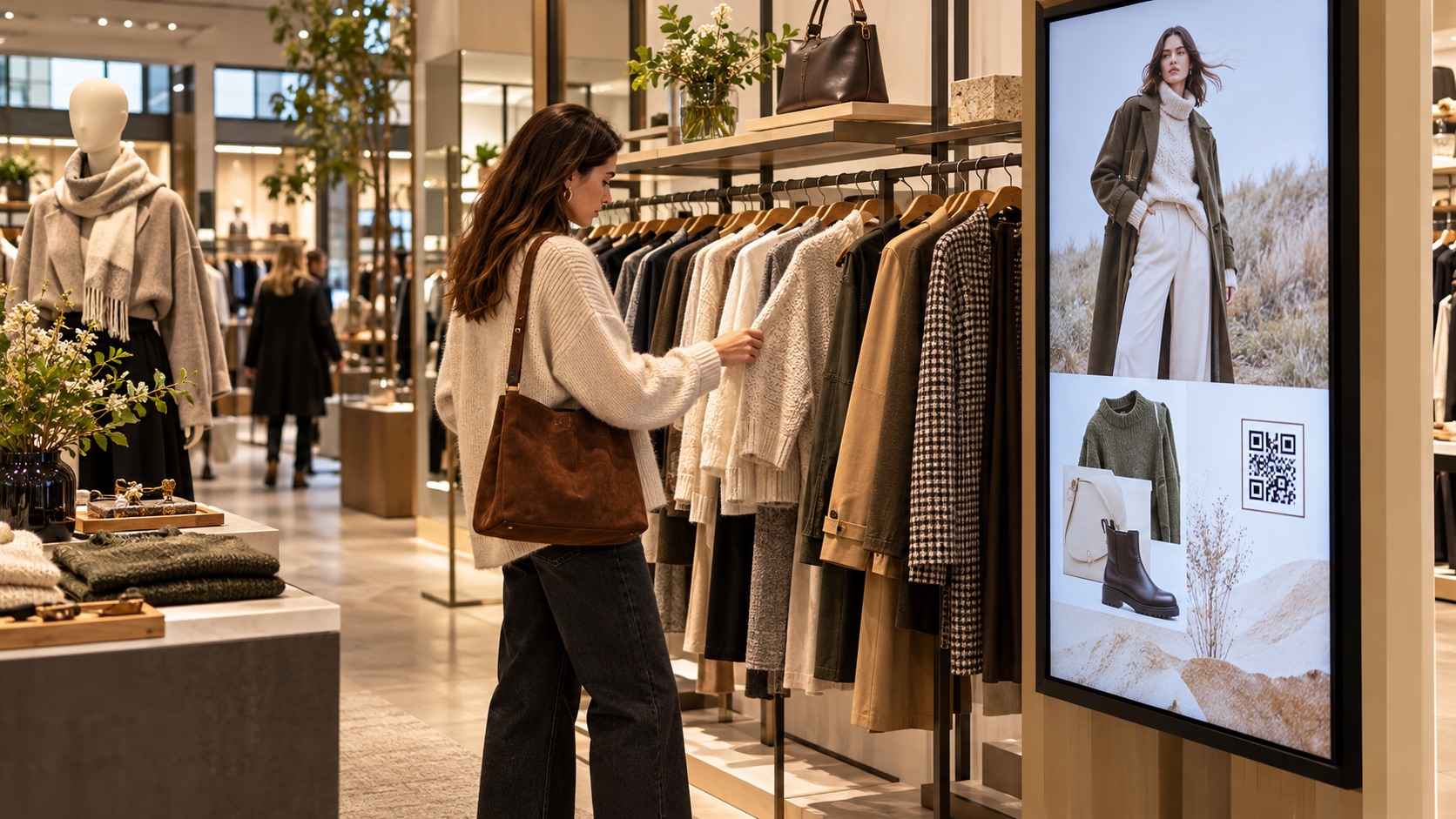
CONSIDERATION / IN-STORE DISPLAY
Inside, the message becomes useful product context.
At the collection, the shopper wants to compare an item seen in the window with the styles available in the store. A nearby screen can show variations, materials and related pieces instead of repeating a generic brand film.
Product stories appear beside the merchandise they explain.
QR and interactive content let shoppers continue on their phones.
PIM-linked details can keep screen content aligned with the catalogue.
What changes: the display helps answer a buying question at the point of choice.
Illustrative scene: product storytelling close to the collection.
IN-STORE / PRODUCT DISCOVERYCatalogue sync
COLLECTION EDITOne piece. More ways to wear it.
01MaterialExplore details
02VariantsCompare options
Campaign story + Product information
DECISION / ASSISTED SELLING
The associate brings the right option to the shared screen.
The shopper asks about another color or fit. Instead of leaving the conversation to search a stockroom or device, the associate uses a tablet to bring product variants onto the display beside them.
Tablet control supports the associate rather than replacing them.
Large-format visuals make choices easier to discuss together.
After the interaction, the screen returns to its scheduled campaign.
What changes: the customer and associate look at the same product story.
Illustrative scene: an associate uses a tablet to guide an in-store choice.
ASSOCIATE / ON-DEMAND VIEWTablet control
THE COAT Seasonal collection
SandGraphiteOlive
Associate selects → Shared screen updates
This anonymised narrative is reconstructed from the retail workflows described on this site. Images illustrate the settings; no customer identity or unverified performance figure is implied.
GO DEEPER INTO THE USE CASE
The details behind each retail moment.
Explore the window experience, the in-store conversation and the connections that keep information useful.
Original Voome illustration · storefront communication
01 / ATTRACT
Attracting from the window
A window is a campaign surface before opening hours, during a launch and after the store closes.
Can the message change during the day?
Yes. A campaign can be scheduled by time, location and screen zone, so a morning promotion can give way to a new-arrival story later in the day. The content and timing still follow central approval rules.
What can shoppers do when the store is closed?
A QR code on the window display can connect them to a collection or product page on their phone. The destination and interaction depend on the retailer's chosen experience.
How does the window tell more than a promotion?
Motion, product context and a clear invitation can introduce a collection or brand story, then lead shoppers toward the matching in-store experience.
Original Voome illustration · assisted selling
02 / ENGAGE
Engaging in-store
The screen becomes useful when it supports a shopper's question and the associate's conversation.
Can an associate choose what appears on a screen?
In an assisted-selling setup, an associate can use a tablet to call up a product view on a nearby display. The shared image helps explain options without interrupting the conversation.
Can shoppers explore content themselves?
A QR-led experience can open product details or related content on a phone. Where interactive screen control is configured, it can also hand a shopper a more active role in exploring the display.
How do short in-store campaigns fit in?
Teams can schedule a launch or limited-time message for selected stores and zones, while the default campaign remains ready to resume afterward.
Original Voome illustration · illustrative product data, prices and locales
03 / CONNECT
Integrating with internal systems
Creative stays relevant when product data and approved feeds can reach the right screen.
How can product information stay aligned with the PIM?
A configured PIM integration can map catalogue fields such as name, description, price and locale into screen templates. Update frequency and validation rules depend on the connected systems and the retailer's workflow.
Can social content appear on in-store displays?
Approved social or video feeds can be included where the source, rights and moderation rules are in place. The screen should use curated content rather than an uncontrolled live feed.
What would CRM-led personalization require?
It needs an explicit integration, a defined audience signal and appropriate privacy controls. A store or campaign segment can then guide which message appears; this page does not assume individual shopper identification.
THE CONNECTED OPERATING MODEL
The story works because content and data move together.
Behind each customer-facing moment is a repeatable publishing flow.
01Approved content
Marketing owns the creative and the brand rules.
→
02Product data
PIM and other source systems provide current details.
→
03Local rules
Store, zone and timing determine the relevant view.
→
04Screen network
Windows, floor displays and assisted-selling screens stay coordinated.
WHY THIS MATTERS IN RETAIL
A better journey for shoppers. A clearer workflow for teams.
◎
For shoppers
The message they saw outside connects to the product information and human help they receive inside.
↗
For store teams
Associates can focus on the conversation instead of distributing files or explaining stale screen content.
▦
For headquarters
Campaigns remain governed centrally while each location can show the right content for its context.
ENTERPRISE CONTENT & DATA VISUALIZATION NATIVELY PROTECTED
Unlock enhanced communication with Voome Digital Signage Cloud Platform.
Schedule a live session with our engineers to test the 3-Layer CMS Editor, Zero-Gap Playout Engine and Multi-Department Governance on your own use cases.