MUSEUMS & ENTERTAINMENT USE CASE / THE CONNECTED JOURNEY
One visit. A story that unfolds in place.
A visitor enters an exhibition, chooses a route, explores a gallery and later hears that a talk has moved rooms. Digital communication can keep the experience continuous.
The settingAn illustrative journey through the places where useful information is needed.
THE OPERATIONAL CHALLENGE
Different moments. One reliable message.
A museum must guide people without interrupting the exhibition or turning every gallery into a wall of instructions.
Printed maps and fixed signs cannot keep up with timetable changes, capacity limits or a multilingual audience.
01Visitor welcome
Highlights and the next step.
02Gallery guidance
Context without clutter.
03Queue flow
A route that can change.
AN ANONYMISED MUSEUMS & ENTERTAINMENT STORY
Follow a visitor from lobby to gallery.
Choose a step to see the setting, the communication need and the screen experience that supports it.
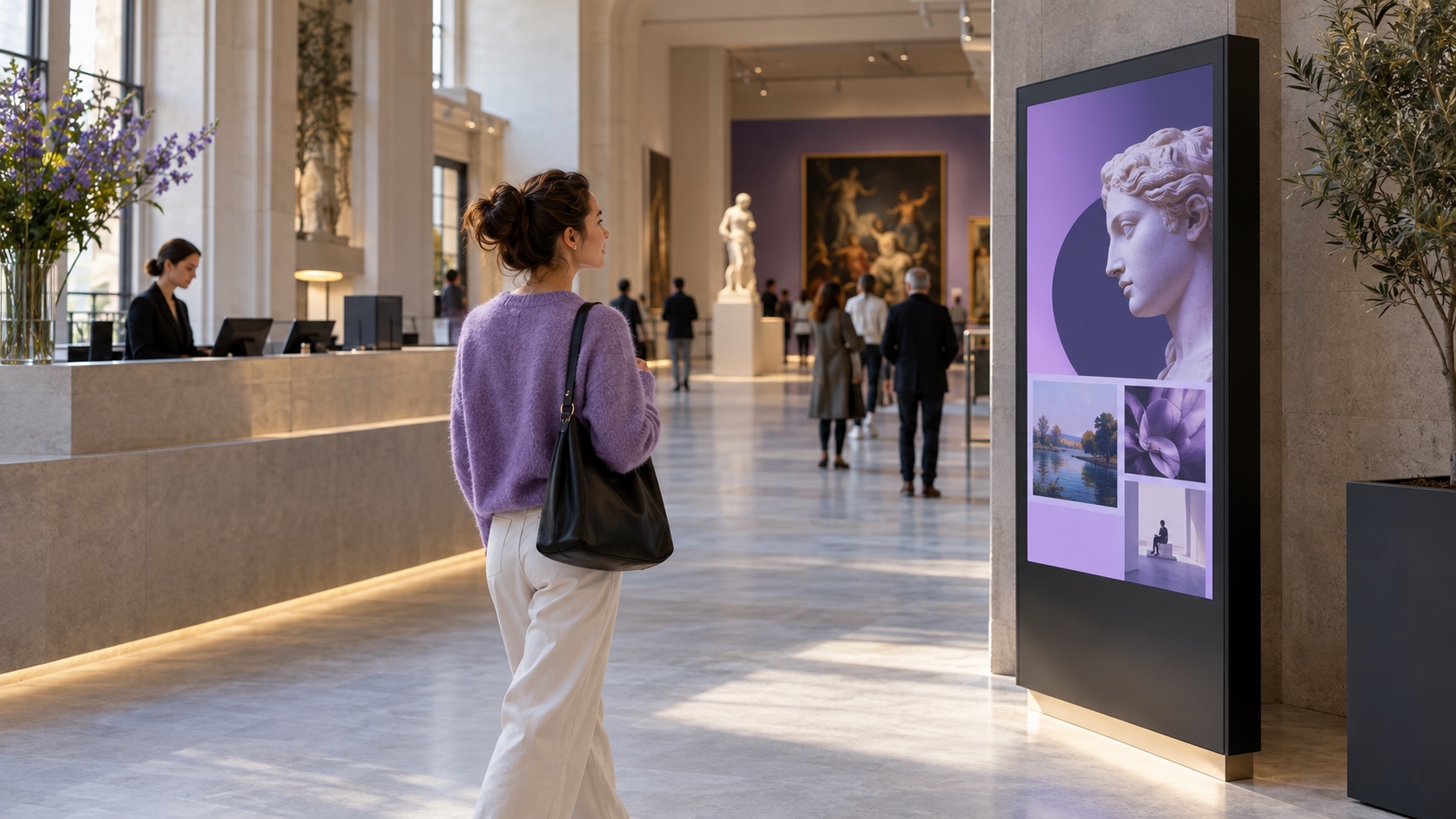
AT THE ENTRANCE / PLAN THE VISIT
Highlights and the next step.
A visitor arrives with limited time and needs to choose where to start.
A welcome screen can show the day’s exhibitions, entry information and suggested routes.
The screen content follows this location and moment.
Publishing rules remain with the responsible team.
What changes: The visit begins with a route, not a search for a map.
Illustrative scene · plan the visit
AT THE ENTRANCERelevant here
INPUTCurated contentApproved
CONTEXTGallery rulesSelected
OUTPUTPlan the visitOn screen
One coordinated flow → The right moment
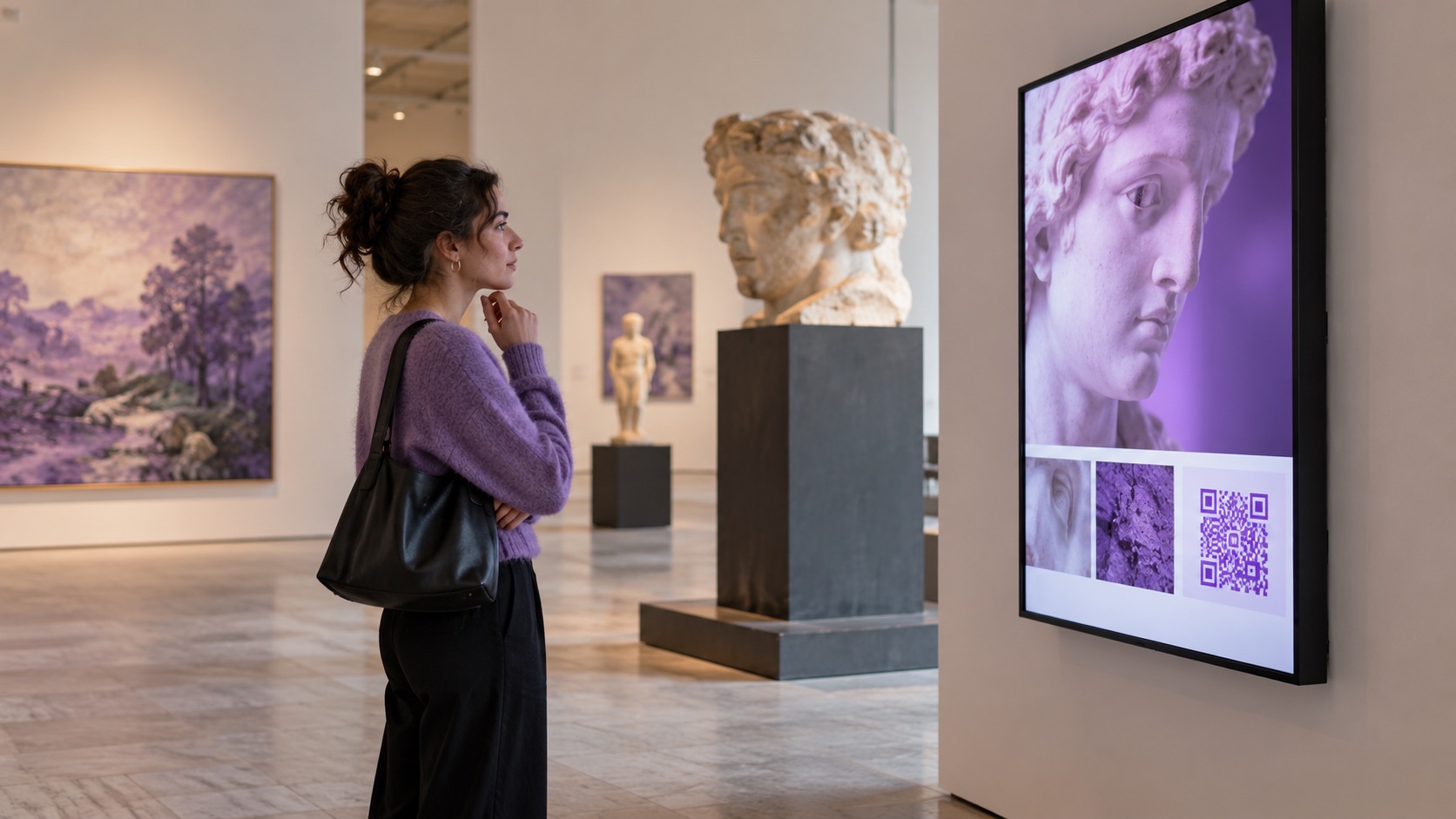
IN THE GALLERY / EXPLORE THE WORK
Context without clutter.
A visitor wants to understand an object or installation in their preferred language.
A nearby screen and QR path can extend the exhibit with approved interpretation and media.
The screen content follows this location and moment.
Publishing rules remain with the responsible team.
What changes: Interpretation stays close to the work and travels onto a phone.
Illustrative scene · explore the work
IN THE GALLERYRelevant here
INPUTCurated contentApproved
CONTEXTGallery rulesSelected
OUTPUTExplore the workOn screen
One coordinated flow → The right moment
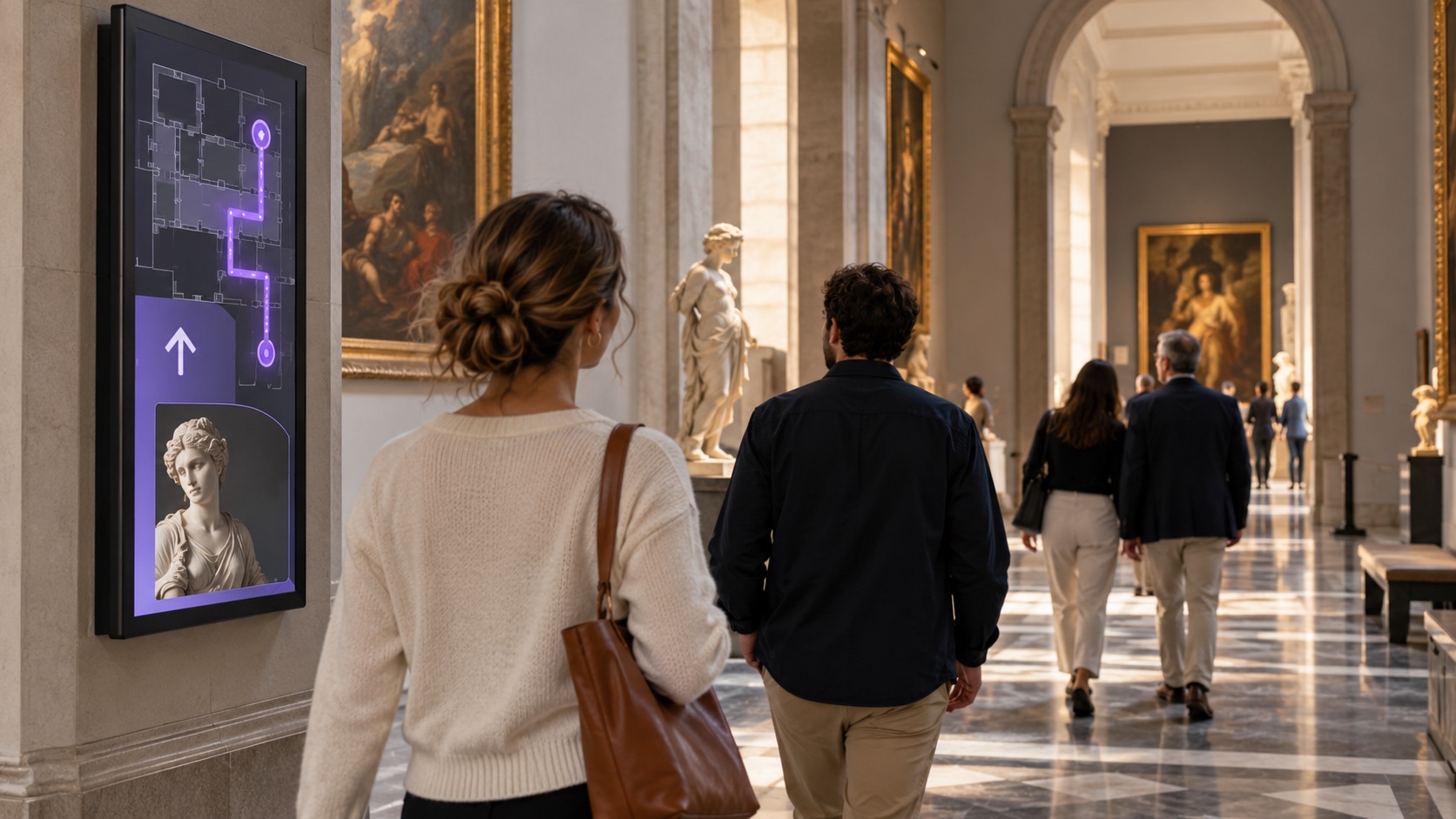
BETWEEN SPACES / MOVE SMOOTHLY
A route that can change.
A gallery becomes busy while another room has space to explore.
Directional screens can show the route set by visitor services and, where connected, reflect capacity signals.
The screen content follows this location and moment.
Publishing rules remain with the responsible team.
What changes: Directions can follow an approved change in gallery flow.
Illustrative scene · move smoothly
BETWEEN SPACESRelevant here
INPUTCurated contentApproved
CONTEXTGallery rulesSelected
OUTPUTMove smoothlyOn screen
One coordinated flow → The right moment
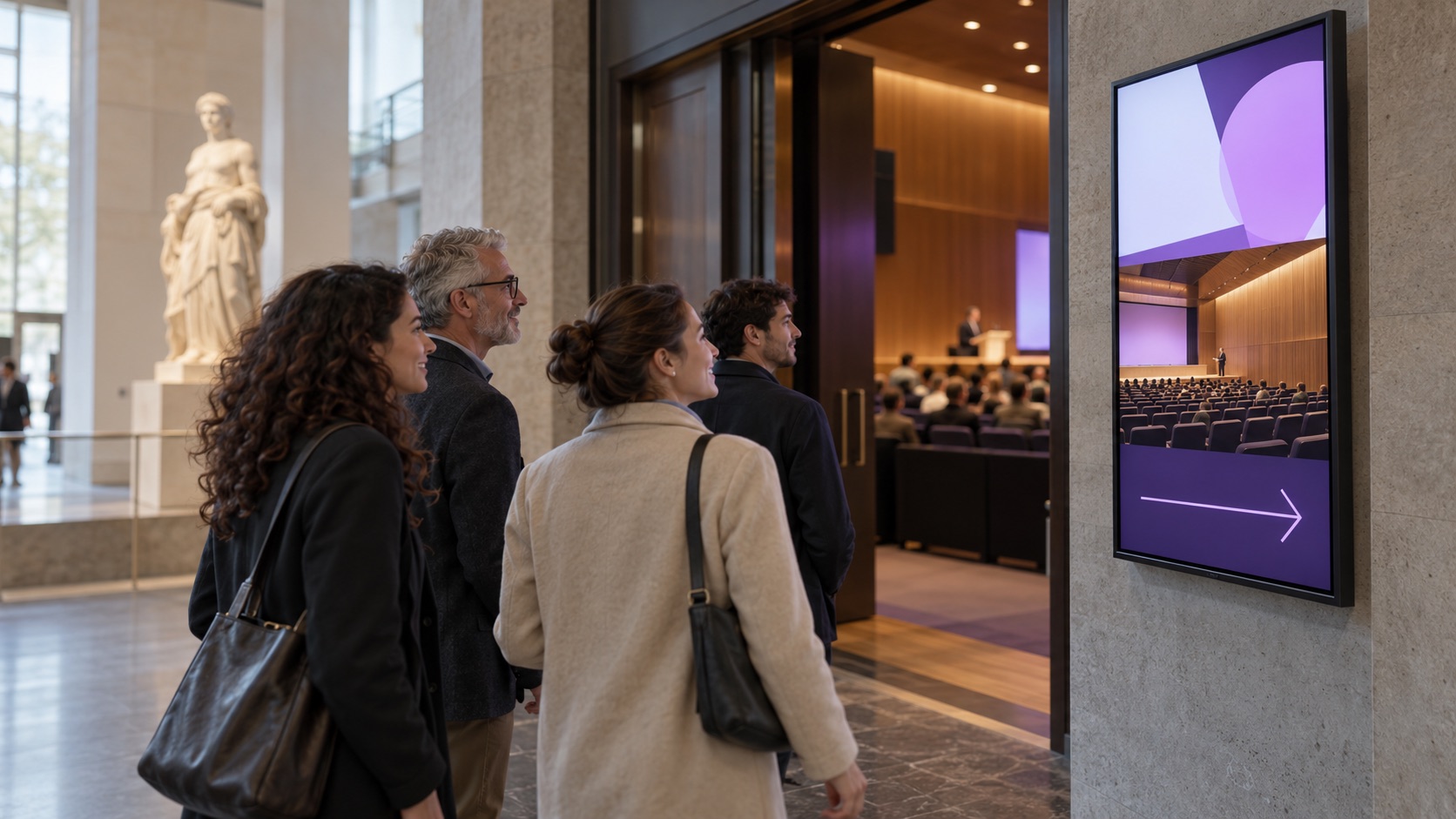
BEFORE AN EVENT / FIND THE TALK
Updates reach every entrance.
A curator talk moves to a different room shortly before it begins.
The timetable and wayfinding can be updated together for the affected screens.
The screen content follows this location and moment.
Publishing rules remain with the responsible team.
What changes: A changed room reaches visitors before the talk begins.
Illustrative scene · find the talk
BEFORE AN EVENTRelevant here
INPUTCurated contentApproved
CONTEXTGallery rulesSelected
OUTPUTFind the talkOn screen
One coordinated flow → The right moment
This anonymous operational scenario is reconstructed from the workflows described on this site. Images illustrate the setting; no named customer, measured result or unverified deployment is implied.
GO DEEPER INTO THE USE CASE
The details behind the journey.
Explore the three areas already documented for this sector, with practical questions and configuration context.
Generated illustrative scene · designing the visitor journey
01 / EXPLORE
Designing the visitor journey
What this looks like in a connected museums & entertainment environment.
From Lobby to Discovery
An entrance display can show the day’s highlights, opening information and suggested routes so visitors can choose how to begin.
Smart Wayfinding Through the Exhibit
Gallery screens can carry the current route and exhibit focus. Flow-dependent changes require a reliable source and curatorial rules.
Multi-language Support with QR Integration
Language options and QR links can extend interpretation onto a visitor’s phone with approved audio, video or curator commentary.
Generated illustrative scene · smarter queues, smoother visits
02 / EXPLORE
Smarter queues, smoother visits
What this looks like in a connected museums & entertainment environment.
Live Entry & Ticketing Queue Displays
When connected to ticketing, an entrance display can show queue codes, relevant waiting information and the correct check-in point.
Room Capacity Monitoring with Visual Indicators
With validated occupancy data, a gallery screen can show a simple capacity state and direct visitors to an approved alternative.
Discreet VIP or Group Routing
Group or private-visit messages can use a booking code and room assignment without publicly identifying an individual visitor.
Generated illustrative scene · dynamic updates for live events
03 / EXPLORE
Dynamic updates for live events
What this looks like in a connected museums & entertainment environment.
Real-Time Schedule Updates Across Venues
A timetable change can be published to the relevant venue screens from one approved schedule source.
Countdowns & Live Streaming
Screens can show showtime countdowns or authorised live media when the venue network, rights and source feed support it.
Last-Minute Alerts and Wayfinding
Staff can update directions and notices for the affected galleries when a room changes or an event is delayed.
These examples depend on the connected systems, content rights, local operating rules and validation required for each deployment. Safety-critical and patient-facing messages require separate approval by the responsible organisation.
THE CONNECTED OPERATING MODEL
One flow connects the right information to each place.
Behind the visible journey is a repeatable publishing model.
01Curated content
Owned by the relevant team.
→
02Schedule and capacity
Connected when configured.
→
03Gallery rules
Applied to the right location and moment.
→
04Visitor-facing screens
Updated for the intended audience.
WHY THIS MATTERS
A clearer experience for every team and visitor.
◎
For visitors
The next step is visible when it matters.
↗
For front-of-house teams
Relevant information is easier to act on at the point of work.
▦
For curators
Content and changes are governed from a connected source.
ENTERPRISE CONTENT & DATA VISUALIZATION NATIVELY PROTECTED
Unlock enhanced communication with Voome Digital Signage Cloud Platform.
Schedule a live session with our engineers to test the 3-Layer CMS Editor, Zero-Gap Playout Engine and Multi-Department Governance on your own use cases.