FACTORIES & LOGISTICS USE CASE / THE CONNECTED JOURNEY
From gate to floor. One coordinated operation.
A delivery truck arrives as a production shift changes. Drivers, operators and supervisors each need different information at the right location, without relying on a chain of phone calls.
Driver check-inLoading baysShift messagesProduction data
The settingAn illustrative journey through the places where useful information is needed.
THE OPERATIONAL CHALLENGE
Different moments. One reliable message.
A logistics hub must coordinate the yard, loading bays and production floor while keeping updates specific to each role and zone.
A changed bay assignment or machine status becomes a delay when it lives in a separate system or a handwritten notice.
01Driver check-in
The driver knows where to go.
02Loading bays
A changed assignment reaches the yard.
03Shift messages
Information for this zone.
AN ANONYMISED FACTORIES & LOGISTICS STORY
Follow an update from gate to floor.
Choose a step to see the setting, the communication need and the screen experience that supports it.
AT THE GATE / CHECK IN
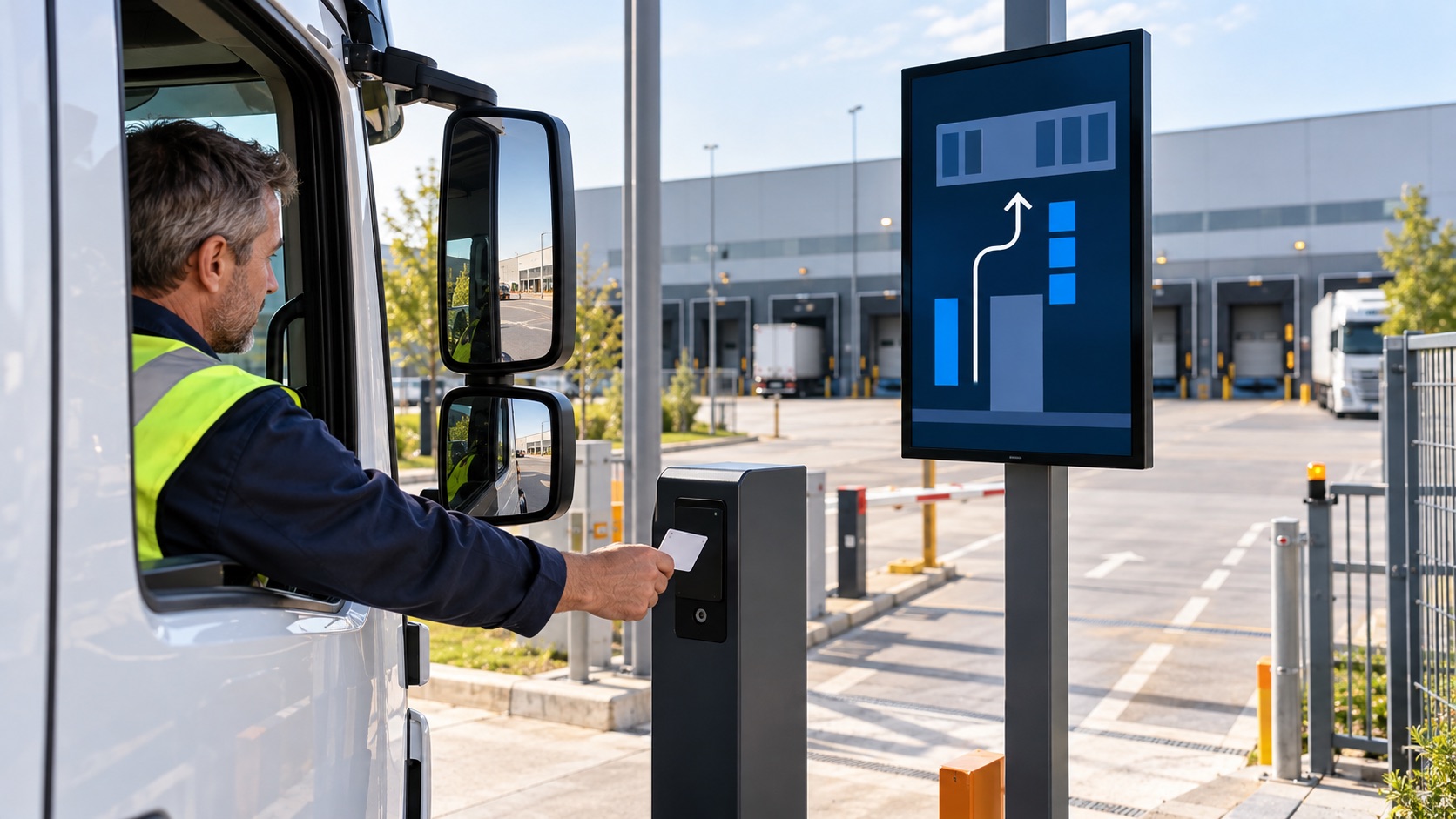
The driver knows where to go.
A scheduled delivery arrives while several bays are in use.
A connected check-in feed can show the assigned route or waiting instruction at the entrance.
The screen content follows this location and moment.
Publishing rules remain with the responsible team.
What changes: A driver sees the next instruction at the gate.
Illustrative scene · check in
AT THE GATERelevant here
INPUTOperational sourceApproved
CONTEXTArea and role rulesSelected
OUTPUTCheck inOn screen
One coordinated flow → The right moment
AT THE BAY / COORDINATE LOADING
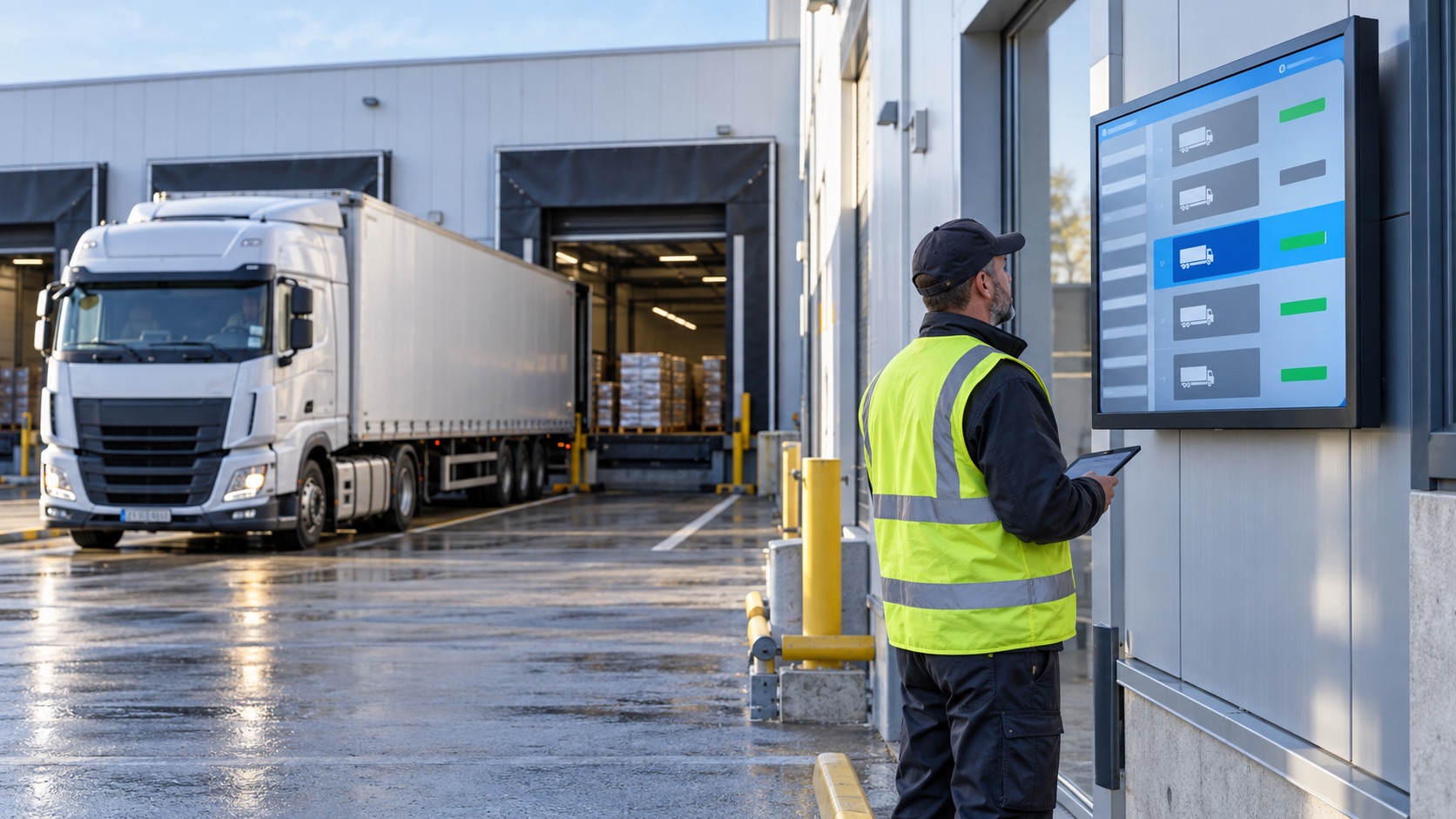
A changed assignment reaches the yard.
A bay becomes unavailable after the driver has checked in.
The relevant gate and bay screens can reflect an updated assignment from the logistics system.
The screen content follows this location and moment.
Publishing rules remain with the responsible team.
What changes: The bay change reaches the person who must act on it.
Illustrative scene · coordinate loading
AT THE BAYRelevant here
INPUTOperational sourceApproved
CONTEXTArea and role rulesSelected
OUTPUTCoordinate loadingOn screen
One coordinated flow → The right moment
ON THE FLOOR / BRIEF THE SHIFT
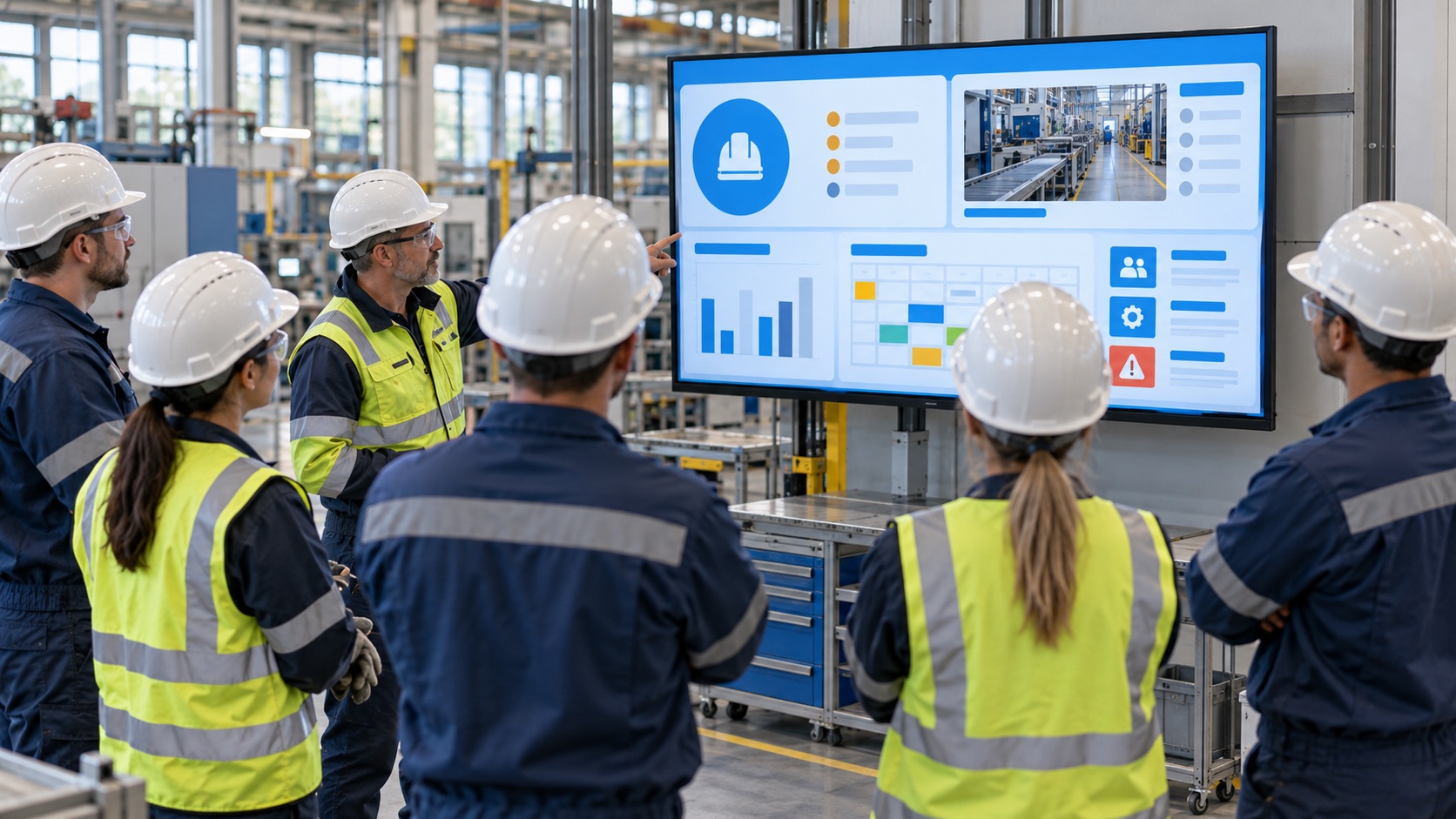
Information for this zone.
A new team starts work and needs the current safety note and production priority.
Area-specific screens can display approved shift and training messages without adding noise elsewhere.
The screen content follows this location and moment.
Publishing rules remain with the responsible team.
What changes: Each shift sees the message relevant to its area.
Illustrative scene · brief the shift
ON THE FLOORRelevant here
INPUTOperational sourceApproved
CONTEXTArea and role rulesSelected
OUTPUTBrief the shiftOn screen
One coordinated flow → The right moment
IN OPERATIONS / SEE THE SIGNAL
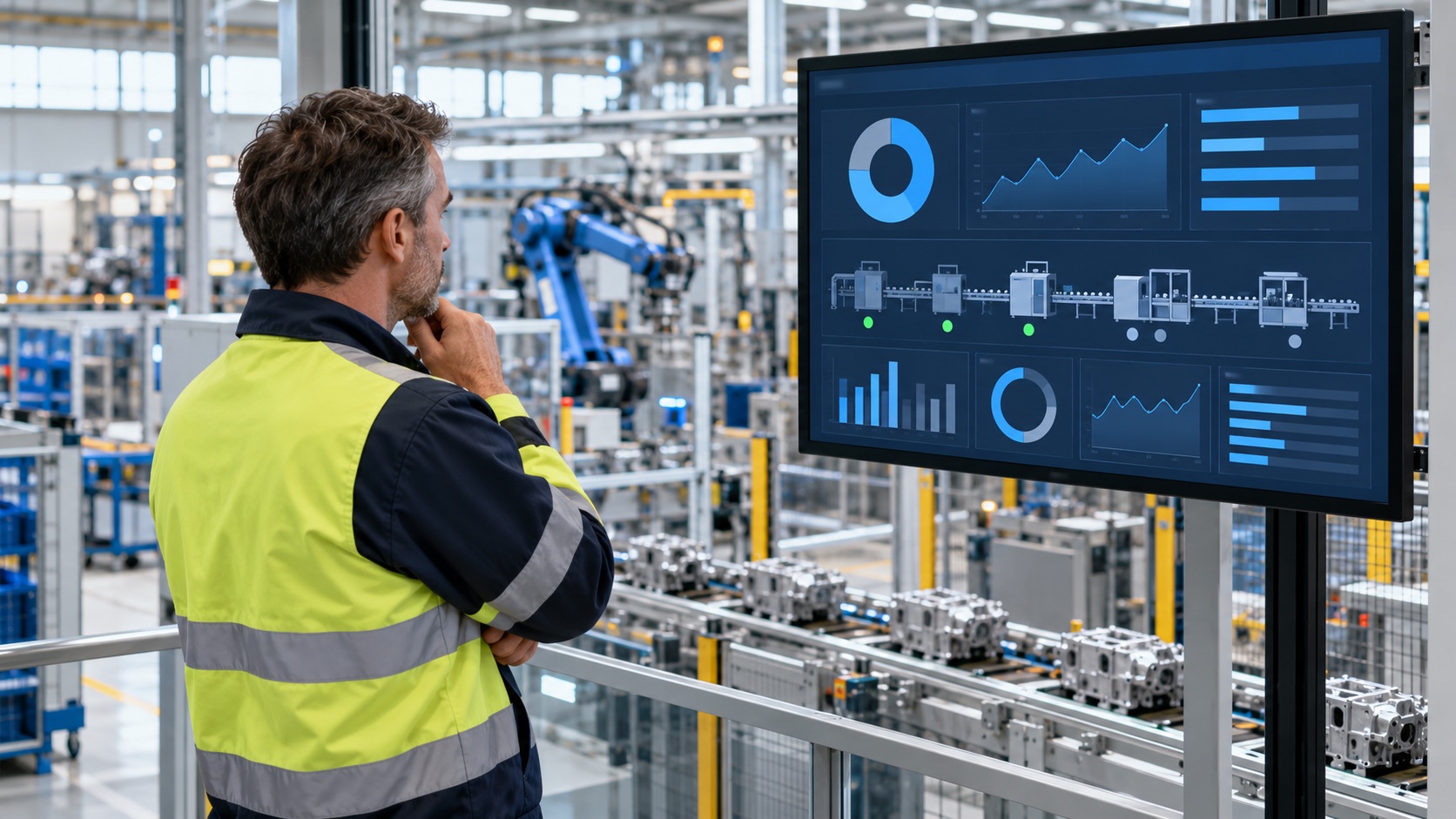
Data becomes visible to act on.
A supervisor needs to spot a change in output or machine status.
With an appropriate MES or machine-data connection, a dashboard can present the relevant metric or alert.
The screen content follows this location and moment.
Publishing rules remain with the responsible team.
What changes: A connected signal becomes visible at the point of work.
Illustrative scene · see the signal
IN OPERATIONSRelevant here
INPUTOperational sourceApproved
CONTEXTArea and role rulesSelected
OUTPUTSee the signalOn screen
One coordinated flow → The right moment
This anonymous operational scenario is reconstructed from the workflows described on this site. Images illustrate the setting; no named customer, measured result or unverified deployment is implied.
GO DEEPER INTO THE USE CASE
The details behind the journey.
Explore the three areas already documented for this sector, with practical questions and configuration context.
Generated illustrative scene · efficient logistics
01 / EXPLORE
Efficient logistics
What this looks like in a connected factories & logistics environment.
Truck Routing and Check-in Automation
Where a gate or transport-management feed is connected, a screen can show an assigned bay or waiting instruction. Recognition hardware is deployment-specific.
Self-Service Info Points for Drivers
A driver kiosk can present check-in instructions, waiting information and site rules in supported languages.
Monitor Inbound and Outbound Flow in Real Time
A connected transport feed can give the yard team a current view of arrivals, waiting vehicles and loading status.
Generated illustrative scene · communicate clearly with factory staff
02 / EXPLORE
Communicate Clearly with Factory Staff
What this looks like in a connected factories & logistics environment.
Shift Updates and Safety Messages
Zone-specific screens can publish approved shift, maintenance and safety messages to the teams who need them.
Internal Campaigns and Training Content
Factory screens can carry HR notices, training prompts and compliance reminders as part of an approved internal programme.
Localized Content by Area or Department
Publishing rules can target assembly, packaging or logistics separately, reducing irrelevant messages elsewhere.
Generated illustrative scene · factory data always under control
03 / EXPLORE
Factory Data Always Under Control
What this looks like in a connected factories & logistics environment.
Live Production Dashboards on the Floor
When a production data source is connected, floor dashboards can show selected output, downtime or quality measures.
Machine Status at a Glance
A configured MES or machine-data integration can expose approved equipment states to relevant departments.
Custom Alerts and Smart Notifications
Threshold-based visual alerts require a validated source, ownership and response procedure; they should support, not replace, plant safety systems.
These examples depend on the connected systems, content rights, local operating rules and validation required for each deployment. Safety-critical and patient-facing messages require separate approval by the responsible organisation.
THE CONNECTED OPERATING MODEL
One flow connects the right information to each place.
Behind the visible journey is a repeatable publishing model.
01Operational source
Owned by the relevant team.
→
02Approved message
Connected when configured.
→
03Area and role rules
Applied to the right location and moment.
→
04Gate and floor screens
Updated for the intended audience.
WHY THIS MATTERS
A clearer experience for every team and visitor.
◎
For drivers
The next step is visible when it matters.
↗
For floor teams
Relevant information is easier to act on at the point of work.
▦
For supervisors
Content and changes are governed from a connected source.
ENTERPRISE CONTENT & DATA VISUALIZATION NATIVELY PROTECTED
Unlock enhanced communication with Voome Digital Signage Cloud Platform.
Schedule a live session with our engineers to test the 3-Layer CMS Editor, Zero-Gap Playout Engine and Multi-Department Governance on your own use cases.